
My games & analytics
Connect your game, track results and manage products and content.
Organize my games
Private groups and notes organize games in cards or full-width rows.
Add a config system link
Open your config system directly from your game in MARPLA.
Create a game website
Only the game owner can create this optional website after verifying the Roblox API connection.
Connect your game
Connecting a game opens its analytics and management tools.
Open game analytics
The game card is the starting point for analytics, products, advertising and chats.
View product sales
The product list shows sales totals, units sold and prices.
Edit a product's name, price or icon
Make a product's main changes in its card.
Schedule a new price
The MARPLA server publishes the saved price. You can close the browser.
Organize products into groups
Groups let you work with similar products together. In sales revenue and purchase charts, choose Breakdown → Product groups: each manual group gets its own timeline for the selected range.
Read purchase and price charts
History at the bottom of the card helps compare product sales before and after changes.
View price changes
MARPLA creates a milestone when a price changes. No manual duplicate is needed.
Plan a chart review
Private notes save a date, chart position and reminder.
Add a milestone and track its result
A milestone marks a game change: an update, advertising, a new price or artwork.
Compare your game with benchmarks
Benchmark scales show how your game performs alongside other projects.
Understand your audience
Learn how players find your game, where they live and which devices they use.
Compare multiple metrics
Select up to six lines: identical metrics share a scale, while different metrics use separate scales.
Investigate Home and new audiences
Check source, countries and cohort maturity to separate audience-mix changes from a worse game experience.
Compare audience composition and quality
Compare a complete period with its predecessor and separate audience mix change from within-segment metric change.
Track your game's chart positions
Position history shows how your game moves through Roblox lists.
Creative library and schedules
Select up to five images and launch them as one Home set.
Compare Home creatives and sets
Distinguish set changes from statistics days.
View custom events
Custom events track in-game actions, such as completing stages.
Connect missing chart data
Each metric has a source; a missing response never means zero.
Set up additional connections
Connect additional Roblox sources and check the scope of the available data.
View game rewards
Earnings, rewarded players and Roblox validation status.
Metric glossary
Short definitions explain the names used in analytics.
Useful articles: examples and decisions
The guide covers the steps in the service. These articles explain the metrics, examples, techniques and how to evaluate results.
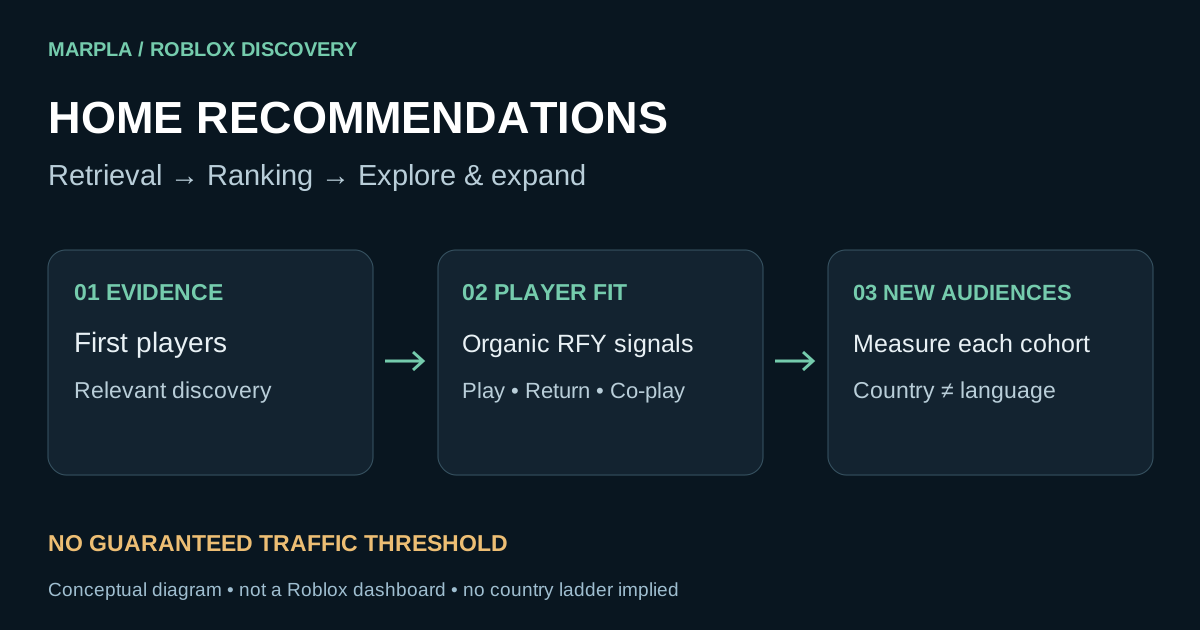
Roblox Home recommendations: get discovered and sustain growth
How Roblox tests and expands Home recommendations, what signals matter, and how to diagnose country mix and falling metrics with MARPLA.
Read article →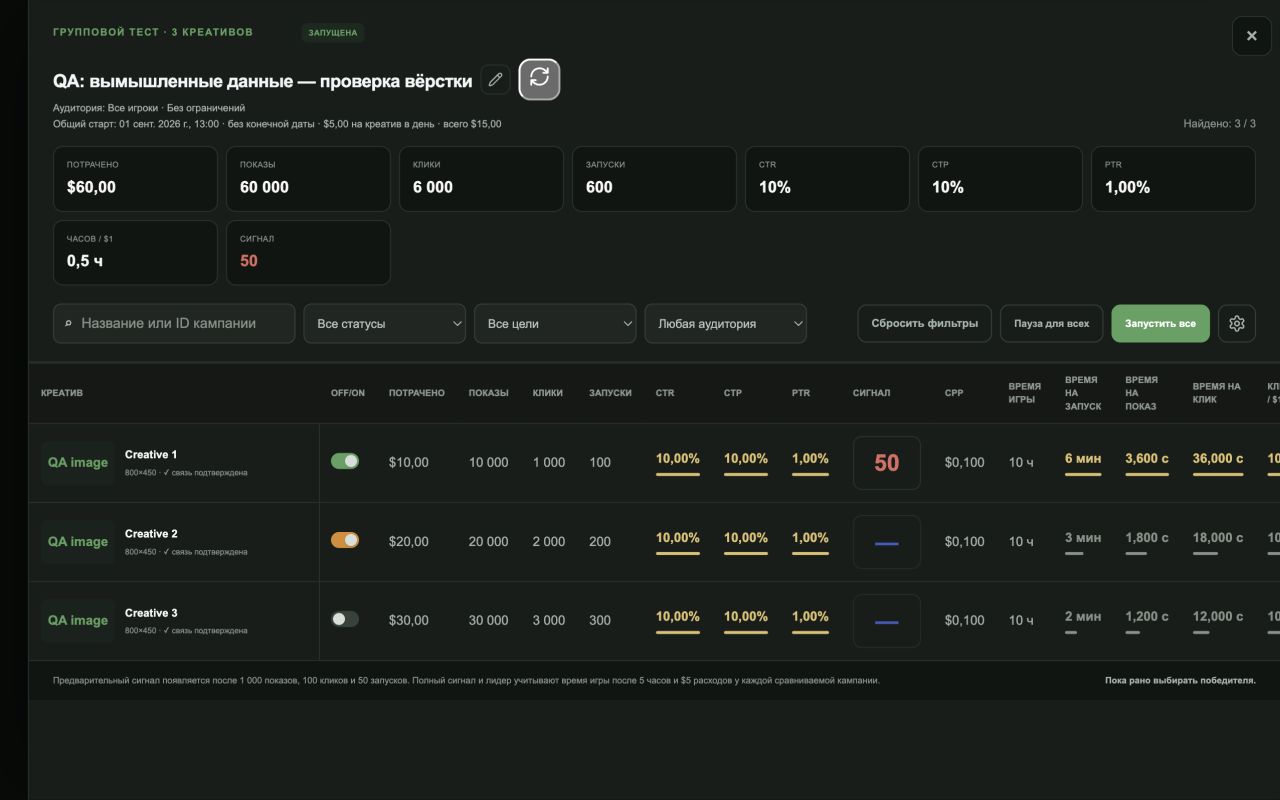
Roblox advertising: when to launch, how to target, and when to stop
A practical Roblox advertising guide: objectives, targeting, budgets, organic traffic, and pause decisions. Real interface screenshots and MARPLA workflows.
Read article →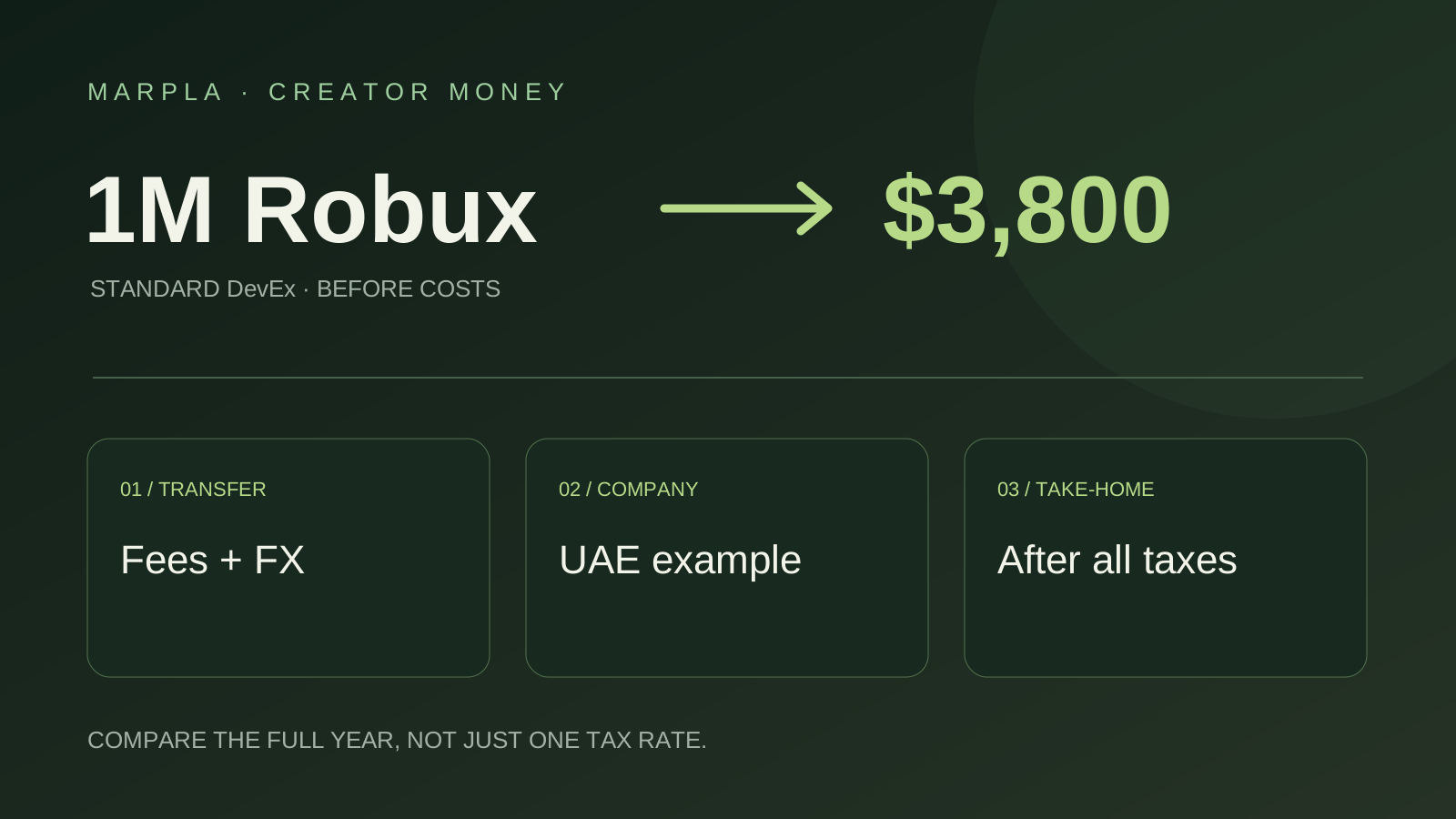
Where to Cash Out Robux: Simple Choices and a UAE Company Example
Keep more of your Robux earnings: bank versus PayPal, payout examples, and UAE companies earning $100,000 or $200,000 a year. A short practical guide.
Read article →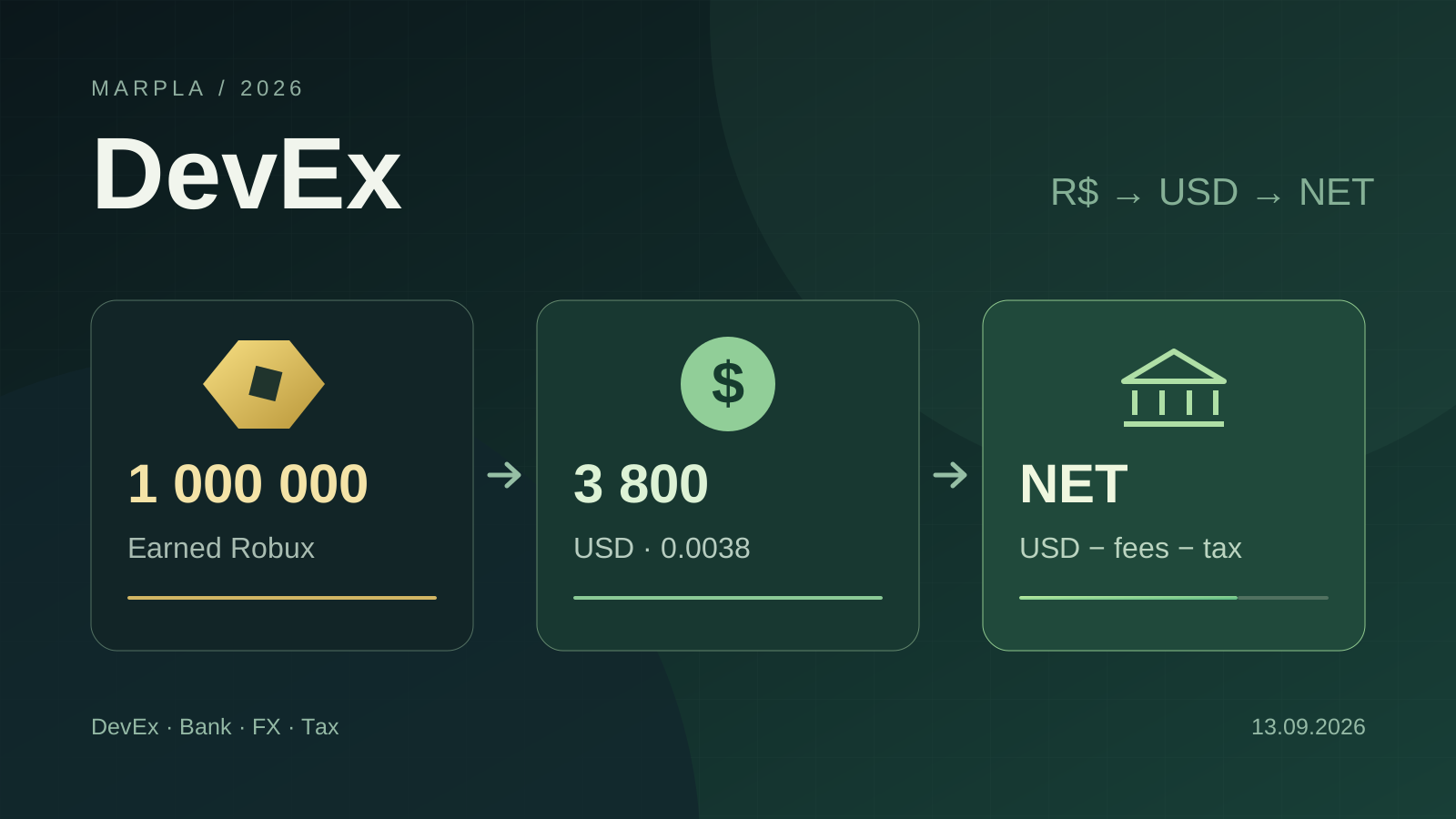
How to Cash Out Robux: DevEx, Fees, Crypto, and Taxes in 2026
DevEx rates of $0.0038 and $0.0054, real cash-out costs, net income calculations, taxes in different countries, and the rules taking effect in November 2026.
Read article →
Roblox Experiments: how to run A/B tests and improve your game
Set up Roblox Experiments, select metrics and evaluate A/B tests: 8 game test ideas, creator case studies, interpretation pitfalls and an experiment template.
Read article →
Roblox thumbnails: screenshots, staged scenes and practical testing
Choose Roblox thumbnails, structure the game-page gallery and test Home images: screenshots versus renders, PTR/qPTR, creative briefs and a practical workflow.
Read article →
How to improve a Roblox game's first session and retention
Move from observed playtests and an onboarding funnel to mature D1/D7 cohorts and testable changes.
Read article →
Launching a Roblox Game in 2026: A Growth Plan to 100 CCU and Beyond
How to prepare and launch a Roblox game: soft launch, Home, an advertising test, creators, retention, and stop rules. A 14-day plan and checklist.
Read article →
Public Roblox data vs owner analytics
Know what can be observed from the market, what requires permission, and where public estimates must stop.
Read article →
How to evaluate a Roblox update without claiming false causality
Plan the measurement, align cohorts and windows, inspect confounders, and reserve causal language for controlled experiments.
Read article →Action essentials and individual concepts (30)
 Roblox Home recommendations: action plan
 Roblox advertising: a controlled launch plan
 Roblox thumbnails: a short working plan
 Roblox first session: diagnosis plan
 Roblox game launch checklist: from preparation to 100 CCU
 Roblox Experiments: a short A/B test plan
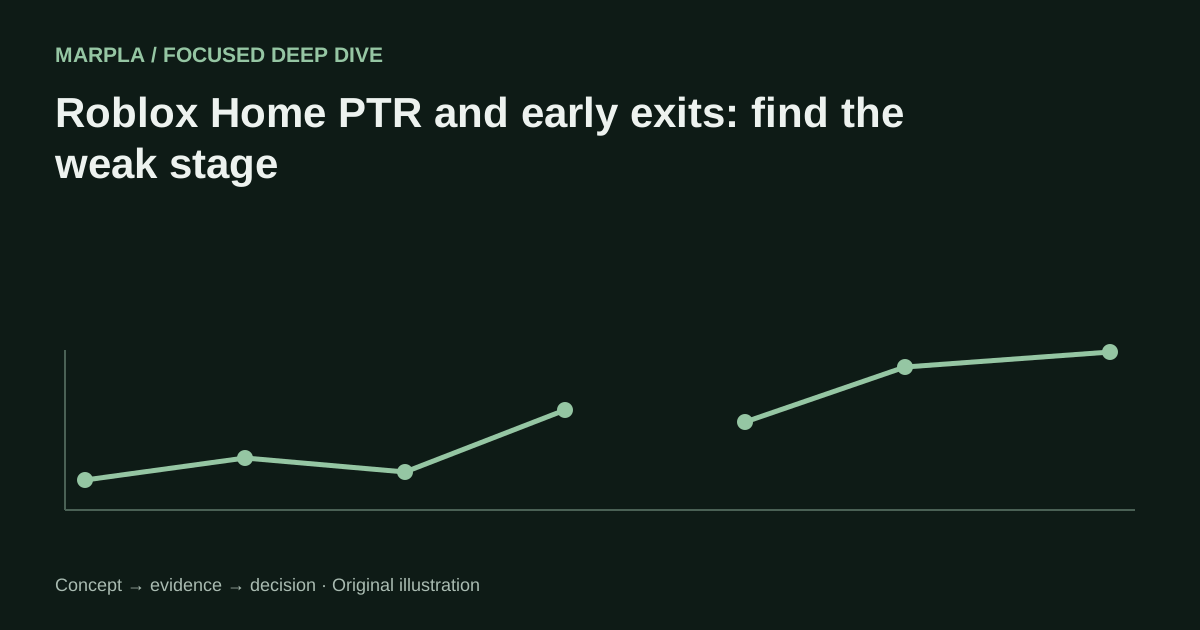 Roblox Home PTR and early exits: find the weak stage
 Roblox country cohorts: explain audience-mix changes
 Roblox localization and performance: diagnose early exits
 Paid and organic Roblox traffic: avoid attribution errors
 Roblox Ads objectives and audiences: choose for the decision
 Roblox Ads budgets and stop rules: economics of one answer
 Designing a Roblox ad creative test
 Roblox creative brief and gallery: promise to sequence
 Roblox Home thumbnail personalization: read an adaptive test
 Roblox first-session funnel: events you can trust
 Roblox first-session diagnosis: from loss shape to repair
 Roblox Experiments randomization: set up a causal test
 Roblox Experiments results: decide without chasing green metrics
 Roblox launch operations: access, roles, stop conditions, rollback
 Roblox launch cohorts: measure an update without mixing sources
 Robux cash-out essentials: a pre-payout checklist
 DevEx essentials: eligibility, payout, and records
 Public vs owner Roblox analytics: the access boundary
 Roblox update evaluation: the essential before-and-after plan
 Earned Robux eligibility: what can enter DevEx
 DevEx payout fees and FX: compare the amount that lands
 DevEx tax status and documents: a residency-first checklist
 DevEx net cash-out calculation: a line-by-line model
 Crypto after DevEx: a separate treasury decision
Section diagram
| Game | Notes | Group | Servers | Playing now | DAU | D1 | Home | Revenue | Analytics | ⋯ |
|---|---|---|---|---|---|---|---|---|---|---|
Game AStudio A · Universe ID 1234567 | Review | 4 | 82 | 1 200 | 9% | 24 000+850 | 600 | All analytics | ⋯ | |
Game BGroup B · Universe ID 2345678 | — | 0 | 0 | 0 | 0% | 0−40 | 0 | All analytics | ⋯ | |
Game CUniverse ID 3456789 | — | — | — | — | — | — | — | — | ⋯ |
Illustrative data. DAU sorted descending: zero before missing values. Scroll the table horizontally on narrow screens.
Illustrative notes layout; real notes are private.
One point per date · Tooltip shows values and set thumbnails
Illustrative diagram. Icons and videos are currently applied through Creator Dashboard.
Illustrative example · not current data
All lines are disabled. Select a country above.
Saved report · background refresh
Item 2 · 12:25:18 · 49 → 39 Robux