
Launch & promotion
Roblox first-session funnel: events you can trust
A funnel should represent player decisions rather than every code path. Log a completed action after a successful server operation; an attempted-action event does not prove the result.
Focused deep dive
Design the steps
State the first-loop promise and choose roughly four to seven meaningful steps: loaded, gained control, started the action, completed it, received the result, and chose to continue. The exact count depends on the game. Too many technical events hide decisions; too few merge different exit mechanisms.
Each event needs a stable name, order, and schema version. For rewards and purchases, log success after server validation. Roblox funnel events support onboarding, progression, and shop paths. Custom fields add segmentation, but very high cardinality eventually groups values.
| Step | Server condition | Diagnoses |
|---|---|---|
| JoinReady | Character controllable; data loaded | Loading and spawn |
| CoreActionStart | Server accepts the action | Control comprehension |
| CoreActionComplete | Outcome granted | Difficulty or errors |
| RewardUsed | Player applies the reward | Progression clarity |
Validate before analysis
Use View Events for near-real-time checks: complete the normal path, retry, reconnect, failure, and refusal. Charts can take about 24 hours to appear. Confirm that retries do not duplicate completions and failed operations do not emit success.
Hypothetical example: the client sends PurchaseComplete on click even when the server rejects the purchase. The funnel reports perfect conversion and sends the team toward the wrong fix. Moving the event after confirmed fulfillment repairs measurement before a product test.
- Map the first loop and player decisions.
- Name the minimum stable steps.
- Log success after server confirmation.
- Validate every path in View Events.
- Freeze the schema for the comparison window or mark the change.
Primary sources
Put this into practice in MARPLA
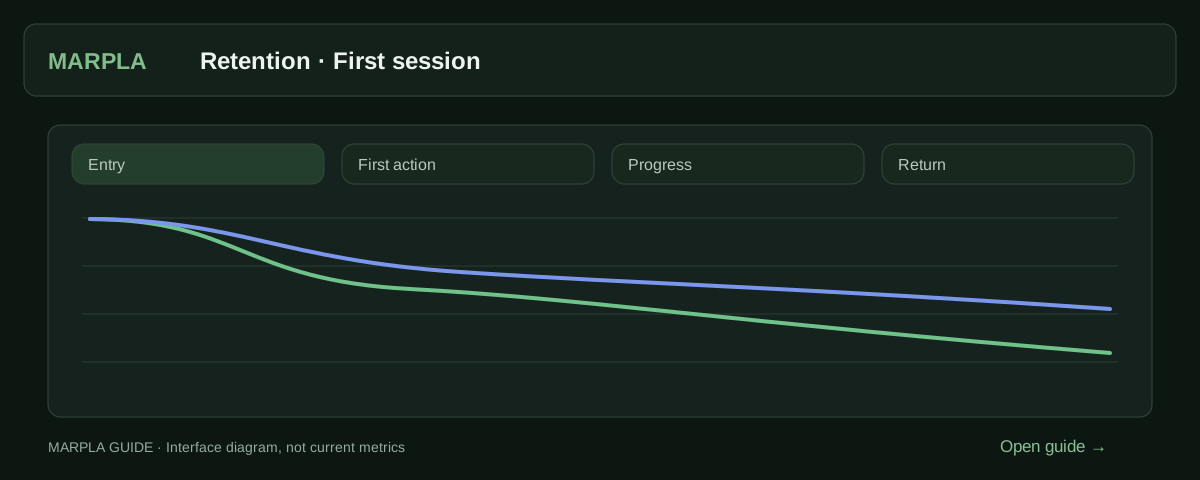
Locate early drop-off using retention and connected events. After changing onboarding, compare new cohorts to check whether more players reach their first meaningful action and return.
- View custom eventsCustom events track in-game actions, such as completing stages.Step-by-step guide →
- Compare your game with benchmarksBenchmark scales show how your game performs alongside other projects.Step-by-step guide →
Where this deep dive applies
Continue exploring
More on this topic →
How to improve a Roblox game's first session and retention
Move from observed playtests and an onboarding funnel to mature D1/D7 cohorts and testable changes.
Read article
Roblox Experiments randomization: set up a causal test
Hypothesis, assignment unit, rollout, variants, targeting, and contamination controls.
Read article
Roblox first-session diagnosis: from loss shape to repair
Combine observed playtests, first-session retention, funnels, and mature D1.
Read article
Discussion0
Loading comments…