View custom events
Custom events track in-game actions, such as completing stages.
How to use it
- Ask your developer to set up the events you want the game to send.
- Open All analytics → Events and choose an event name.
- Choose a range and compare event counts or player counts.
Files and links
Roblox custom eventsAdvice and practical context
An event must answer a question
A custom event is useful only when its action, counting unit, and player population are defined first. Event count and unique-user count answer different questions because one user can act many times. Keep event names and fields stable across releases.
Validate instrumentation
Events are sent by published game servers and aggregated daily, so charts can appear later. Perform a controlled action, wait for reporting, and verify the expected funnel order before interpreting behavior. A renamed event or logging failure must not be reported as player drop-off.
For a funnel, log sequential meaningful actions without unnecessary personal data. Compare event count and unique users at each transition. If a later step exceeds an earlier one, investigate repeated events or definition differences before interpreting behavior.
Technical detailsCalculations, permissions and behavior
Loading custom events
All analytics → Events shows AnalyticsService custom events, not the event calendar. Opening it automatically requests event count, unique users, sum, average, average per user, minimum and maximum grouped by event name. A selected day is loaded separately.
Errors from other sections do not block this request; Roblox retry limits remain respected. Hover over the sync button for the actual error. Missing data is not replaced with zeros or an endless loading promise.
The published game must already send LogCustomEvent from its server; Roblox may take up to 24 hours to process newly tracked events.
Extended SDK
The SDK is configured separately inside the game for additional events. Installation requires game-code changes. Do not publish its SDK secret.
An empty event chart is not a zero: first check whether events are being sent.
Useful articles: examples and decisions
The guide covers the steps in the service. These articles explain the metrics, examples, techniques and how to evaluate results.
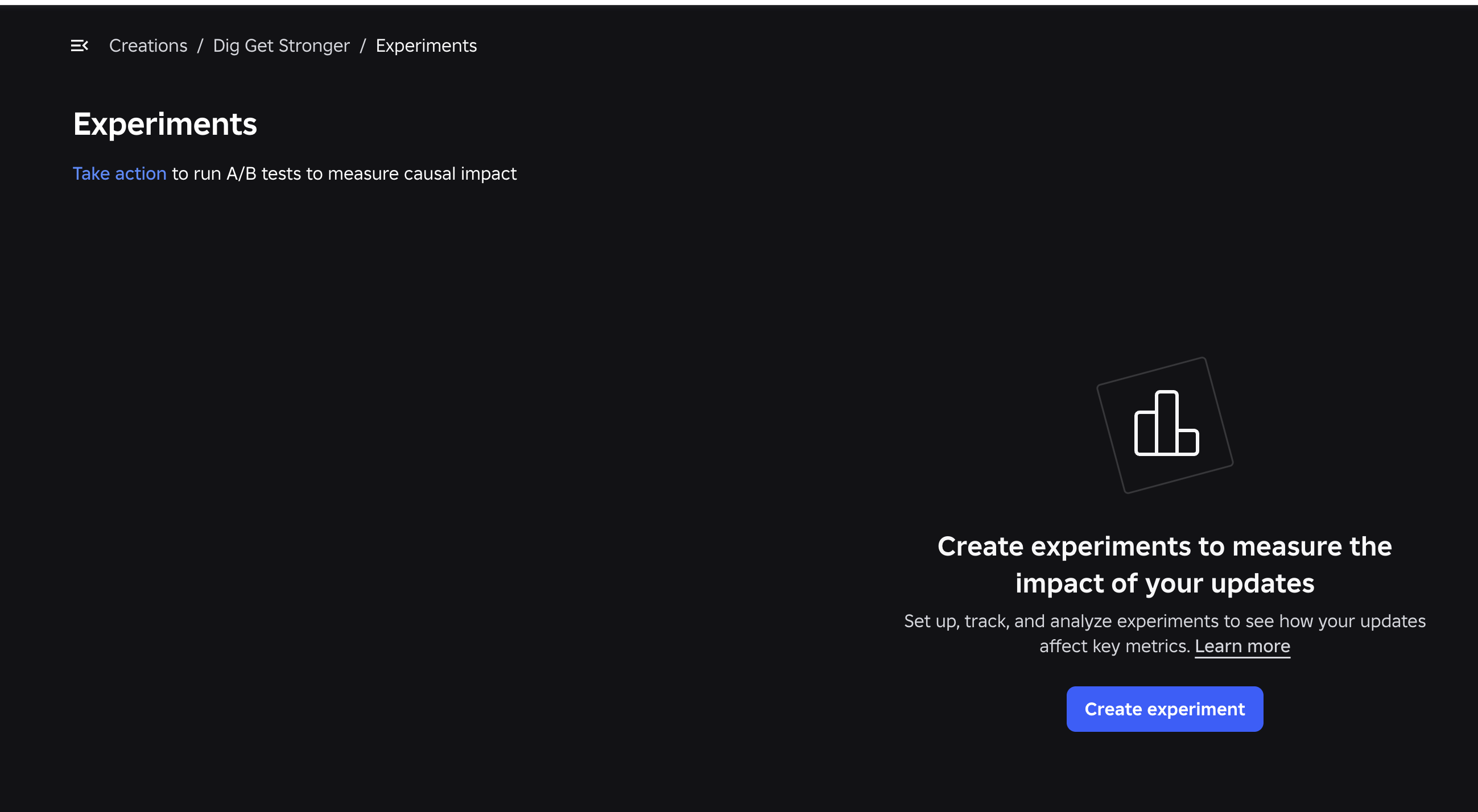
Roblox Experiments: how to run A/B tests and improve your game
Set up Roblox Experiments, select metrics and evaluate A/B tests: 8 game test ideas, creator case studies, interpretation pitfalls and an experiment template.
Read article →
How to improve a Roblox game's first session and retention
Move from observed playtests and an onboarding funnel to mature D1/D7 cohorts and testable changes.
Read article →