Download and add to a game
Bring a model, music track or ready-made mechanic into a test project and validate it before release.
How to use it
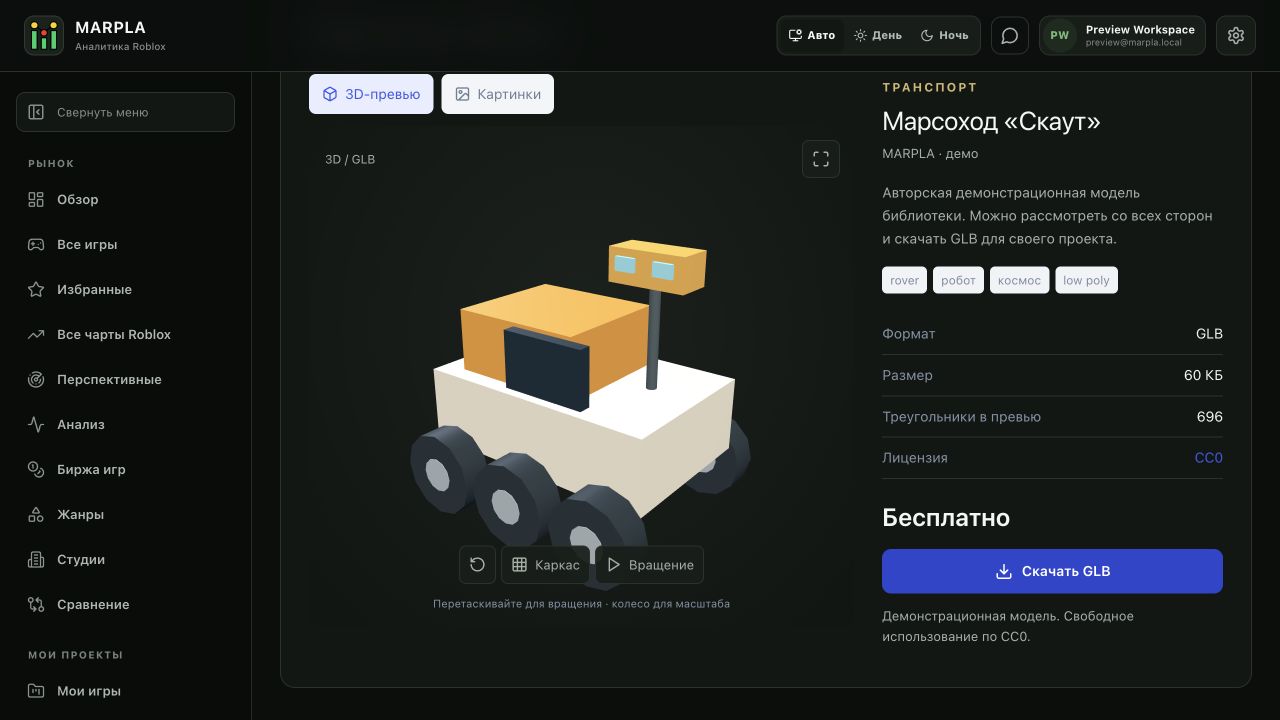
- Check the asset page, license and access, then select Download for a free original. Extract ZIP separately, locate the instructions, dependencies and version, and keep the author’s name and usage terms.
- Open a project copy in Studio. Import a supported 3D model; insert RBXM/RBXMX in Explorer, and open RBXL/RBXLX as a separate place. BLEND and other source files may require exporting.
- For audio, upload the file to Roblox, wait for processing and check your game’s permissions. Connect its asset ID to playback. A file in MARPLA does not become Roblox audio automatically.
- Connect a mechanic following the author’s instructions. Check Client and Server, Output, rejoining, multiple players and the target device. Move the verified version to your working project only after those checks.
Files and links
In depth: storing and reusing game assetsEnglish: game asset libraryOpen AssetsAdvice and practical context
One package, one testable task
Start with a small observable result: a model should appear at the intended scale, a sound should play at the intended moment, and a mechanic should complete one gameplay loop. In a hypothetical door-and-sound package, check opening and closing first, then collision, audio and the second player’s experience. Combining several unfamiliar packages immediately makes failures harder to diagnose. Keep the original before modifying it and record which objects and settings you changed.
Feedback the author can act on
Include the file version, environment and exact reproduction step in a comment. Replace “it does not work” with the missing object or action that produces an error. Keep project secrets, tokens and private scripts out of public discussions. Use the highlighted article below for reuse and sharing decisions, then return to this guide for the actual steps.
Technical detailsCalculations, permissions and behavior
Download and use in a project
Open the asset page and check contents, format, license and download access. Select Download for an accessible free original. Extract ZIP separately and read the author’s instructions.
Import models into Roblox Studio in a supported format; insert RBXM/RBXMX as models and open RBXL/RBXLX as separate places. Upload music and effects to Roblox with the required permissions and use the resulting asset ID. Test mechanics in a project copy on Client and Server: dependencies, object paths, rejoining and conflicts with existing scripts.
Downloading in MARPLA does not insert content into Studio automatically. Keep the source archive, version and change notes.
Useful articles: examples and decisions
The guide covers the steps in the service. These articles explain the metrics, examples, techniques and how to evaluate results.
Action essentials and individual concepts (3)