Launch & promotion
Import checklist: models, music, mechanics and game blocks
MARPLA stores and delivers the original; Roblox Studio imports or opens it in a separate workflow. Choose a branch by file type, inspect it in an isolated copy, and move it into the main game only after runtime testing.
Focused deep dive
Before downloading
- Use the main guide to classify the need: visual, music, mechanic, location or complete place.
- Check author, license, format, size, description, images, discussion and dependencies.
- Confirm account access. All means workspace; a zero price does not make a file public.
- Write the expected behavior and rollback method.
Import by type
3D model. For FBX, OBJ or glTF, use Studio File → Import and review preview, hierarchy, scale, axes, pivot, materials, textures and warnings. Export BLEND, STL, 3MF or another unsupported original into a compatible format first. MARPLA’s automatic GLB viewer is for inspection; it does not prove the original is Roblox-ready.
Music or effect. Import MP3, OGG, WAV or FLAC through Asset Manager or Creator Dashboard. You need content rights, one stream under 20 MB and seven minutes, sample rate up to 48 kHz, moderation and experience usage permission. Assign the resulting asset ID to AudioPlayer or Sound according to your audio architecture.
Mechanic, game block or location. Unpack ZIP into a separate folder; open RBXM/RBXMX or place files in a test context. Read the README. Inventory Scripts, ModuleScripts, RemoteEvents, UI, tags, attributes, DataStore, purchases, HTTP and intended Explorer locations. Do not copy the entire package until you understand each server boundary.
Runtime verification
- Model: scale, pivot, Anchored, collisions, mass, textures, lighting and performance.
- Audio: moderation and permission, volume, looping, stop behavior, positional/background playback and no duplicate start.
- Mechanic: Client and Server, two players, RemoteEvent validation, mobile input, respawn, persistence and clean Output.
- Build/game: spawn, StreamingEnabled, reference paths, object ownership, services and absence of secrets.
- Record separately: locally verified, saved, published, and verified in the published game.
Conditional verification example
Conditional example. An RBXM contains a button, RemoteEvent and server module that grants an item. In a test place, the developer confirms that the client sends only intent, the server validates distance and entitlement, repeated requests do not duplicate the reward, and the mobile button does not cover system UI. These are sample acceptance criteria, not facts about a particular MARPLA file.
Primary sources
Put this into practice in MARPLA
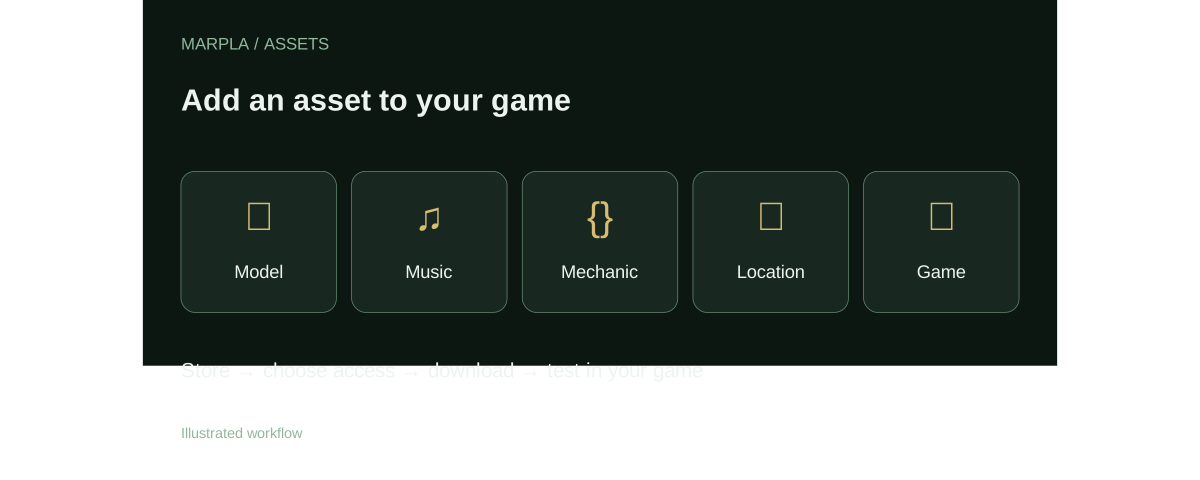
Find a suitable asset, review its page and download the available original. For your own files, add a description, license and audience, then follow the guide to test the asset in your game.
- Find and evaluate an assetChoose one of five types, open the dedicated asset page and review its preview, rating and discussion.Step-by-step guide →
- Upload an asset and configure accessUpload a file, edit its card, set a price and choose recipients.Step-by-step guide →
- Download and add to a gameBring a model, music track or ready-made mechanic into a test project and validate it before release.Step-by-step guide →
Where this deep dive applies
Continue exploring
More on this topic →
MARPLA Assets: store models, music and game mechanics
A practical MARPLA guide to 3D models, music, mechanics, locations and games, including access, downloads and Roblox Studio verification.
Read article
MARPLA assets: a short plan from selection to test
A concise workflow for models, music, mechanics, locations and games stored in MARPLA.
Read article
Sharing assets in MARPLA: workspace, recipients, groups and links
The exact MARPLA access modes and the limits of secret links, personal groups and community-authored files.
Read article
Discussion0
Loading comments…