Launch & promotion
MARPLA assets: a short plan from selection to test
Define the in-game outcome, inspect the file and rights, download the original, and test it separately. Price, access and compatibility are three different checks.
Action essentials
Six actions
- Choose the relevant type and format, then open
/assets/[id]. - Compare the description, author, license, preview, dependencies and discussion.
- Download the original: a free file is delivered only when you have access; internal paid checkout is currently unavailable.
- Import the model, audio or package with the appropriate workflow. Do not execute unknown scripts in the main game.
- Check the audience: All means the workspace, not the public internet.
- Test the result on Client and Server, and record save, publication and live verification separately.
Primary sources
Put this into practice in MARPLA
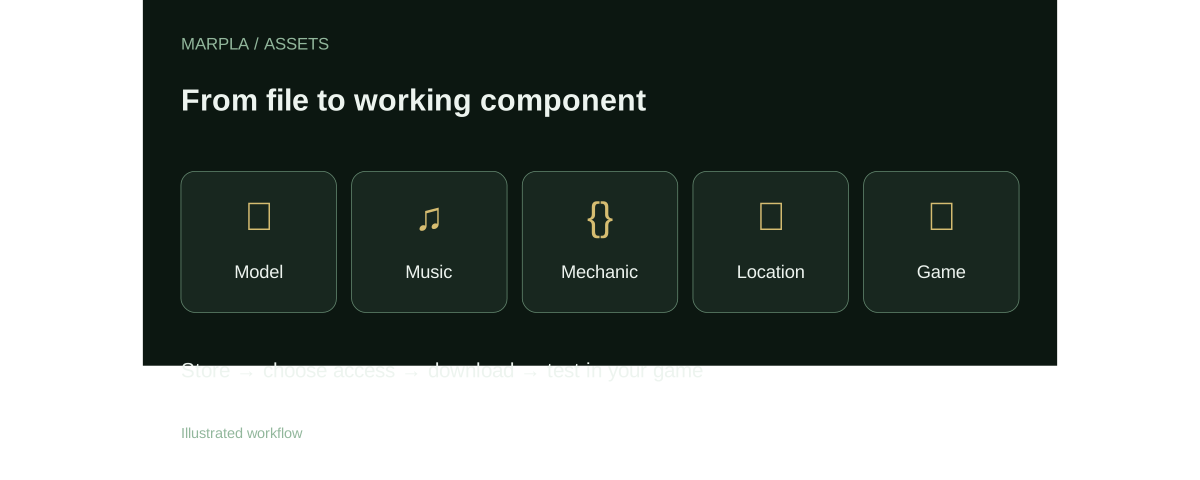
Find a suitable asset, review its page and download the available original. For your own files, add a description, license and audience, then follow the guide to test the asset in your game.
- Find and evaluate an assetChoose one of five types, open the dedicated asset page and review its preview, rating and discussion.Step-by-step guide →
- Upload an asset and configure accessUpload a file, edit its card, set a price and choose recipients.Step-by-step guide →
- Download and add to a gameBring a model, music track or ready-made mechanic into a test project and validate it before release.Step-by-step guide →
Where this deep dive applies
Continue exploring
More on this topic →
MARPLA Assets: store models, music and game mechanics
A practical MARPLA guide to 3D models, music, mechanics, locations and games, including access, downloads and Roblox Studio verification.
Read article
Sharing assets in MARPLA: workspace, recipients, groups and links
The exact MARPLA access modes and the limits of secret links, personal groups and community-authored files.
Read article
Import checklist: models, music, mechanics and game blocks
Download from MARPLA, inspect the package and apply it in Roblox Studio without assuming automatic installation.
Read article
Discussion0
Loading comments…