
Launch & promotion
Sharing assets in MARPLA: workspace, recipients, groups and links
Access controls who can view the asset page, previews, original, comments and votes. Price describes delivery terms but does not widen the audience. MARPLA currently has no public internet catalog mode for a user file.
Focused deep dive
Three practical audiences
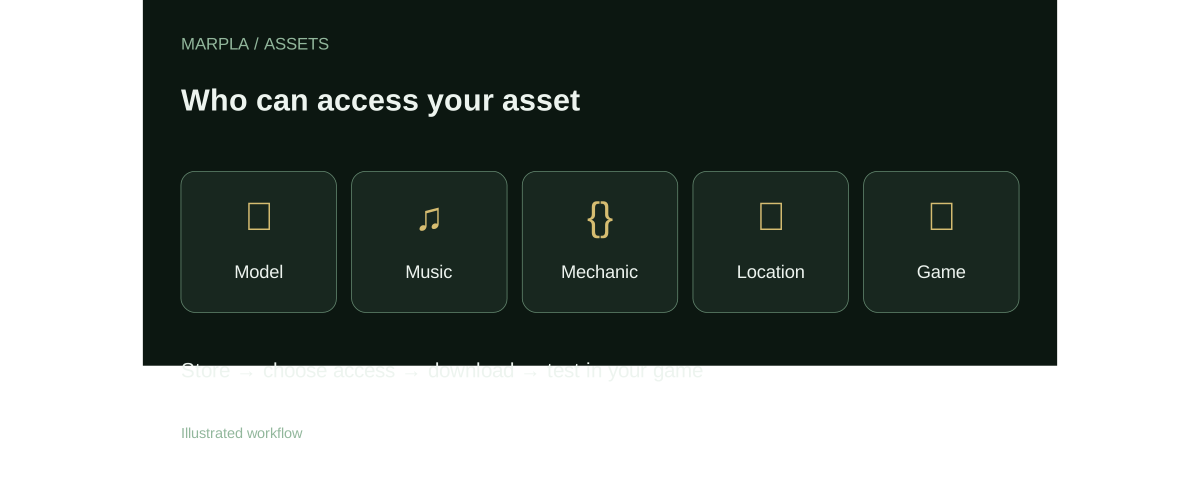
Only me is restricted mode with no recipients. Selected people and groups uses direct grants to active MARPLA accounts and membership in the author’s personal groups. All means the author’s workspace. It must not be described as public: an outsider does not gain access merely because the price is zero.
A community-authored asset uses a separate mode. Team access requires active membership in a connected game and the Download assets permission. The author can additionally grant people and personal groups. See the main guide for the whole decision path.
Recipients and personal groups
On the asset page, the owner can select several members from accessible game teams or add an existing active account by its complete email. This does not invite a new user. People and group changes remain a draft until Save all changes; a failed request preserves the draft.
A personal group is useful when one audience should receive several assets. Adding a member extends access to every assigned restricted/community file. Deleting the group removes that access path but preserves the assets themselves.
- Open Access on your asset page.
- Select the intended people and groups.
- Select Save all changes.
- Ask the recipient to open the page from their own account.
Secret links
A secret link is available only for a free original. Anyone with the address can download that one file without signing in. It does not make the catalog or asset page public. Copy the link when it is created and send it to the intended recipient.
Revocation blocks future downloads. It cannot erase copies already saved by recipients or prevent them from forwarding the file. A secret link is useful for a controlled handoff, but it does not replace a license, recipient agreement or audit trail.
Paid files
Paid originals cannot currently be downloaded: built-in payment and delivery after purchase are not connected. Older pages may retain a Buy on author’s website link. Use a lightweight demonstration for preview, because a viewable file is delivered to the recipient’s browser.
Primary sources
Put this into practice in MARPLA
Find a suitable asset, review its page and download the available original. For your own files, add a description, license and audience, then follow the guide to test the asset in your game.
- Find and evaluate an assetChoose one of five types, open the dedicated asset page and review its preview, rating and discussion.Step-by-step guide →
- Upload an asset and configure accessUpload a file, edit its card, set a price and choose recipients.Step-by-step guide →
- Download and add to a gameBring a model, music track or ready-made mechanic into a test project and validate it before release.Step-by-step guide →
Where this deep dive applies
Continue exploring
More on this topic →
MARPLA Assets: store models, music and game mechanics
A practical MARPLA guide to 3D models, music, mechanics, locations and games, including access, downloads and Roblox Studio verification.
Read article
MARPLA assets: a short plan from selection to test
A concise workflow for models, music, mechanics, locations and games stored in MARPLA.
Read article
Import checklist: models, music, mechanics and game blocks
Download from MARPLA, inspect the package and apply it in Roblox Studio without assuming automatic installation.
Read article
Discussion0
Loading comments…