
Set up additional connections
Connect additional Roblox sources and check the scope of the available data.
How to use it
- If your MARPLA role limits access, the owner's key scopes are hidden. Ask the owner to open Access and assign your account the required role. Roblox key scopes do not change a MARPLA member's role.
- In game settings, check which modules are connected. In Game connections, Download helper sits below the close button and downloads the unified extension ZIP, including for updates to an existing installation.
- For community finance, install MARPLA helper 1.2.0 or later. Read the consent, select Connect finance, grant access in the extension, then select connect again. If the Roblox game-owner check is temporarily unavailable, retry connecting later. Saved reports remain available; there is no need to replace the API key. Sync uses the queue and does not bypass Roblox limits.
- Day, Week, Month and Year are Roblox rolling report windows at the snapshot time. Balance and pending Robux appear separately. Categories are not added because some may overlap; missing values remain dashes. The data covers the whole community and may include several games.
Files and links
Download the MARPLA helper for Chrome · ZIPHelper data and privacyOpen unit economicsHow community finance worksAdvice and practical context
Keep connections distinct
Each module requests particular permissions and can operate independently. The benchmark browser helper supplies data available to the owner through a separate path; its saved status does not prove write access for products, advertising, or content.
Access diagnosis
On failure, compare the required scope, target Universe, and operations with the actual key. Add only the missing permission. Do not change an AI key, MARPLA member role, or every scope when the message concerns one Roblox module.
The helper's setup and privacy description must match the data it actually reads and sends. After installation, verify source, saved status, and backfill period. The extension icon alone does not prove history is complete.
Technical detailsCalculations, permissions and behavior
One key: all current modules
In the Game connections header, select Download helper below the close button to get the unified MARPLA extension ZIP. The download remains available when a helper is already connected. Extract the archive and install or update it in Chrome using Load unpacked.
Permissions for the same resource, such as read and write, are adjacent. Copying ad.campaign:read or ad.campaign:write puts ad on the clipboard for Roblox search. In Creator Dashboard → Credentials → API Keys, create MARPLA or edit an existing key.
Under Access Permissions add the APIs below; select the experience's Universe ID for experience-scoped grants. For Assets select the account or group owning the creatives. Enable the key, save and paste it into MARPLA.
You can copy the entire checklist. Each module spans the connection dialog’s full width, with What it does, Key name and Status columns. Select a full permission name to copy its Roblox search name: the part before the colon with dots replaced by hyphens.
For example, universe.thumbnail:read copies universe-thumbnail. The read or write operation remains visible beside the current access status. The first connection requires universe.analytics:read to confirm experience access; other scopes can be added later.
The full checklist is selected for initial connection and includes video playback: Legacy Assets → Manage (Asset Delivery, legacy-asset:manage). Saved keys shows each Roblox owner’s avatar before their name; the same avatar appears in that key’s expanded details. If the image is unavailable, a neutral icon appears while the name stays visible.
The current or saved state, permission status and check time appear alongside it. A new key is saved separately and keeps the previous key in the list; pasting the same key again does not create a duplicate. Select a row to inspect that key’s own permissions and missing scopes.
If a legacy key’s owner is unknown, select Check access inside it. Inspecting another key does not switch connections or combine their grants. The shared game key is marked as current; the separate ad connection selector remains in Advertising.
Older keys can appear only if their encrypted copy is still retained in the service. Read only removes write scopes from the checklist; it does not revoke existing Roblox key grants.
- Analytics & reports
DAU, retention, revenue, acquisition and investor reports.
Selected experience (Universe ID)
Readuniverse.analytics:read- Game events
Roblox event calendar; create and edit titles, descriptions, schedules, venues, visibility and the creative.
Events: experience Universe ID; Assets: image owner
Read
Writeuniverse.event:read · asset:readuniverse.event:write · asset:write- Advertising campaigns
View campaigns and billing accounts; create, rename, start and stop advertising.
Key owner's advertising account
Read
Writead.campaign:read · ad.billing:readad.campaign:write- Creatives, Home thumbnails and video
Upload images, read and apply Home thumbnails. To watch videos inside MARPLA, add Legacy Assets → Manage (Asset Delivery). This elevated Roblox permission is included in the full connection checklist; icons and videos are applied in Creator Dashboard.
Assets: image owner; Home thumbnails: selected Universe ID; Asset Delivery: key access to Roblox video
Read
Writeasset:read · universe.thumbnail:readasset:write · universe.thumbnail:write · legacy-asset:manage- Passes
Pass catalog; confirmed changes to names, descriptions, prices and sale availability.
Selected experience (Universe ID)
Read
Writegame-pass:readgame-pass:write- Developer products
Repeat-purchase catalog; edit names, descriptions, prices and supported sale settings.
Selected experience (Universe ID)
Read
Writedeveloper-product:readdeveloper-product:write
Checked against Roblox documentation: 2026-08-31. API keys ↗ Advertising ↗ Assets ↗ Asset Delivery ↗ Game events ↗ Home thumbnails ↗ OpenAPI · scopes ↗
Member role and key scopes
If Game connections reports a role restriction, connection details are hidden from your account. This does not mean the Roblox key lacks scopes: the module count and key grants are not shown in this case. The game owner in MARPLA must open Access, select the member and assign a role with the required sections.
Changing a key's Access Permissions in Roblox does not change a MARPLA member's role. If you have your own key with verified access to this experience, expand Connect your own Roblox API key and apply it through the standard Roblox verification; viewing the dialog alone grants no access.
Other Roblox capabilities · not in MARPLA yet
These are possible future integrations, not working MARPLA features. These scopes are excluded from initial setup. Add them only alongside the relevant interface and action controls.
- Experience configuration & A/B tests · not implemented
Read and publish configurations and manage Roblox experiments. No MARPLA interface yet; writes affect the live experience.universe:read · universe:write- Server management · not implemented
Server lists, logs and restarts. Not implemented in MARPLA; restarts affect players.universe:read · universe:write- Commands to live servers · not implemented
Deliver messages through MessagingService. Not implemented in MARPLA; requires an in-game handler.universe-messaging-service:publish- Player-save auditing · not implemented
Read selected experience DataStores. Not implemented in MARPLA. Save writes and deletes are excluded and are not needed for analytics.universe-datastores.control:list · universe-datastores.objects:list · universe-datastores.objects:read- Player moderation · not implemented
Read and change player restrictions. Not implemented in MARPLA; writes can change bans.universe.user-restriction:read · universe.user-restriction:write- Subscription verification · not implemented
Look up a specific subscription by ID; the method's specification requires both permissions. No MARPLA interface yet; this is not a complete transaction ledger.universe.subscription-product.subscription:read · universe:write
Backup helper: connection, data and history
The unified MARPLA helper includes benchmarks and advertising in one extension with one icon. Choose the required section in its menu. After installing it, disable older separate helpers and reload MARPLA and Roblox.
Server sync is an independent channel: game metrics and P50/P90 thresholds arrive through the official Open Cloud API with universe.analytics:read. Daily and seven-day thresholds are stored separately with Roblox dates and comparison cohorts. Refreshing analytics also requests P50/P90 for the selected game without waiting for the global queue.
Exact game ranks arrive separately from Roblox scorecards through the helper. When Roblox denies access, gauges remain without new exact data instead of being filled with estimates. The Chrome helper is a backup channel, not a requirement for ordinary analytics.
Installation and connection, the Extension download button and the sync icon are always available in Benchmarks to members with integration management permission, even without the extension installed. The extension button turns red when an update is required. Exact ranks come only from Roblox scorecards; historical rank text and dots are red, with a source date tooltip.
Missing ranks are never inferred from P50/P90. The direct archive link is also above in this guide. Helper online means the server received a heartbeat within the last five minutes.
A saved pairing token alone does not confirm active updates; after an older heartbeat MARPLA shows the helper offline and its last-seen time. Download the updated helper to transmit separate weekly P50/P90; older versions continue to provide daily thresholds only. The sync icon rotates only while sending your request.
Regular background backfill does not trigger continuous animation; its state appears in the icon tooltip.
- Gray chart bands
P50–P90 boundaries use smooth curves in all historical benchmark charts. Curves pass through the saved samples without crossing or inventing peaks between them. Missing dates split real observations; the gap can carry the last thresholds in red.
An isolated date stays a separate strip. Smoothing changes only the display, not stored values. The P50–P90 tooltip lists comparison cohorts and dates.
Roblox can switch from genre peers to similar successful experiences: P50/P90 then change and adjacent observations connect smoothly. This is a change of comparison population, not a jump in your own metric.
- Metric change
The change from a Roblox scorecard is stored in its original units and displayed as a percentage: 0.479 means a 47.9% increase. Percentile rank and P50/P90 thresholds are separate values and are not changed by this conversion.
- Installation
Download the ZIP and extract it into a permanent folder. In Chrome open chrome://extensions, enable Developer mode, choose Load unpacked and select the folder containing manifest.json. Sign in to Roblox in this profile, reload MARPLA and choose Connect helper.
If the helper is missing, the button opens installation steps; no pairing token is created until the helper is detected. If the installed extension has lost its pairing for this game, the button reconnects it without reinstalling.
- A month of history
Once connected, choose Backfill 30 days. This requests 30 completed UTC days, including dates before MARPLA's first saved snapshot: daily P50/P90, daily and seven-day percentiles, and detailed Home metrics. Pairing stays unchanged; repeating the action neither duplicates jobs nor resets Roblox limits.
The helper processes the queue gradually while Chrome stays open. The action starts requests but does not guarantee every day exists at the source. A latest-value response for a requested older date is not counted as history.
- Access
Roblox passwords and cookies are never read, stored or sent to MARPLA. Only analytics values are transferred with a separate revocable token for one game, valid for 90 days. Chrome must remain running and its Roblox session valid.
Disconnecting revokes the helper token without deleting history or disabling server sync.
- Updates and gaps
Current daily and seven-day scorecards refresh every six hours; available history is backfilled through a queue. Sync with helper prioritizes current scorecards. After 401/403 check Roblox sign-in and analytics access; rate limits trigger backoff.
Received observations and corrections have no age-based deletion. If Roblox does not return an old date, it remains a gap instead of being replaced with today's value.
- Gauge dates
Latest shows the latest received scorecard per metric with its own date; D7 usually has an older date. The calendar shows only the selected date. Seven-day percentiles are never averages of daily percentiles.
Gray chart bands use stored daily P50/P90 for matching dates. An old manual import is not treated as current automatic sync.
Community finance
Community finance has moved to Unit economics → select a community → Finance. Existing connections and snapshots are preserved.
Useful articles: examples and decisions
The guide covers the steps in the service. These articles explain the metrics, examples, techniques and how to evaluate results.
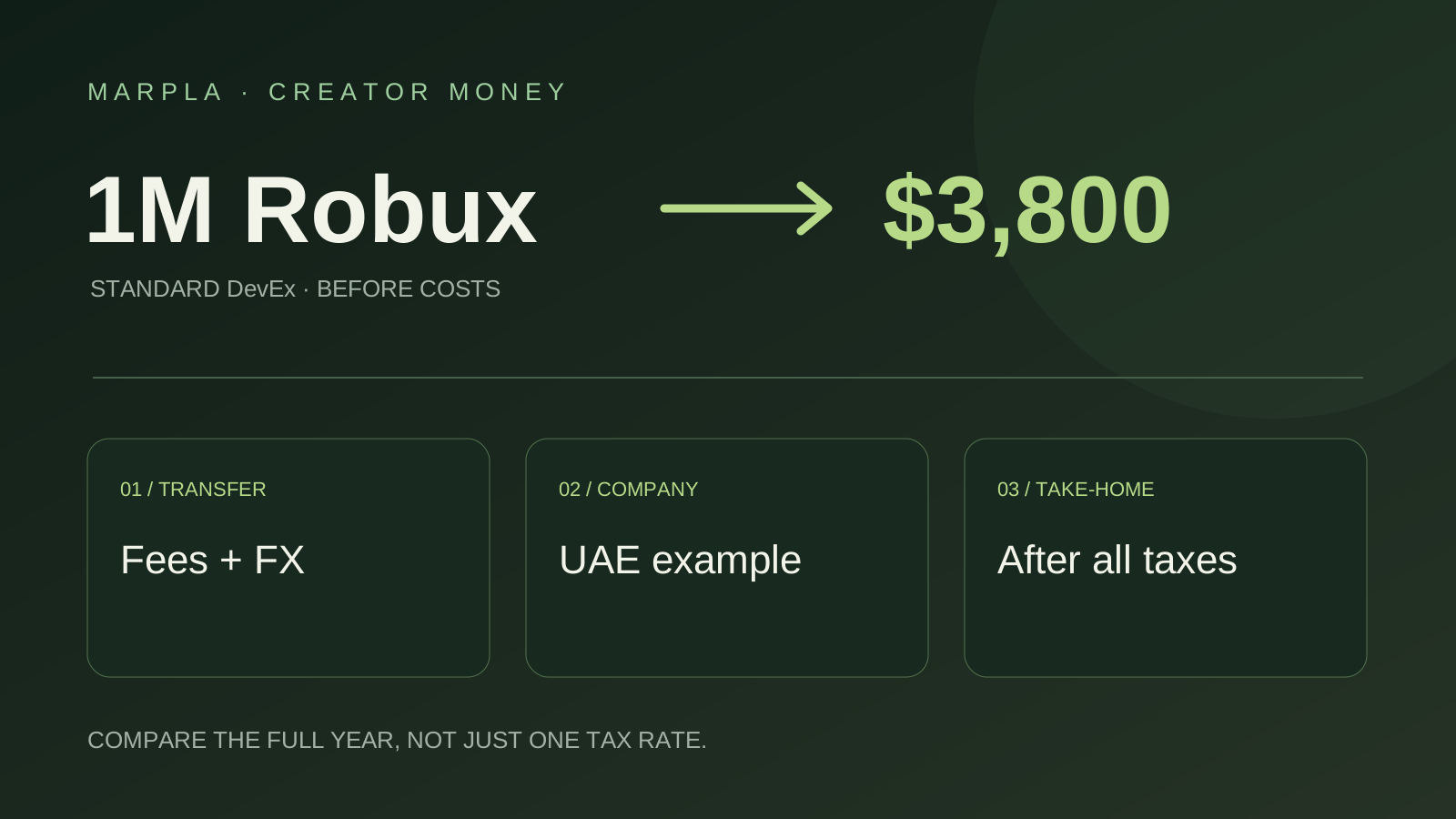
Where to Cash Out Robux: Simple Choices and a UAE Company Example
Keep more of your Robux earnings: bank versus PayPal, payout examples, and UAE companies earning $100,000 or $200,000 a year. A short practical guide.
Read article →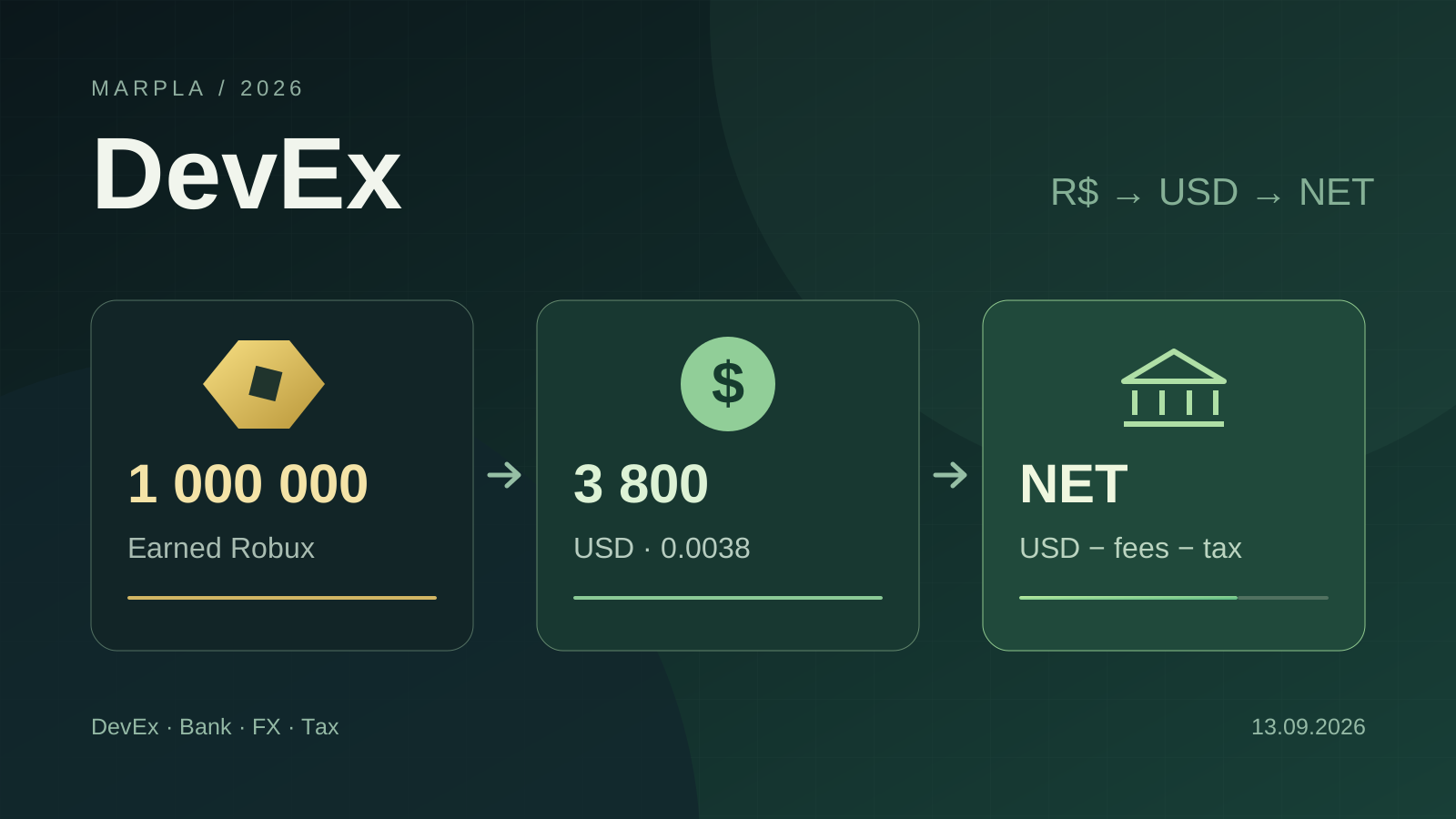
How to Cash Out Robux: DevEx, Fees, Crypto, and Taxes in 2026
DevEx rates of $0.0038 and $0.0054, real cash-out costs, net income calculations, taxes in different countries, and the rules taking effect in November 2026.
Read article →Action essentials and individual concepts (7)
 Robux cash-out essentials: a pre-payout checklist
 DevEx essentials: eligibility, payout, and records
 Earned Robux eligibility: what can enter DevEx
 DevEx payout fees and FX: compare the amount that lands
 DevEx tax status and documents: a residency-first checklist
 DevEx net cash-out calculation: a line-by-line model
 Crypto after DevEx: a separate treasury decision