
Monetization
Robux cash-out essentials: a pre-payout checklist
Start with the payout you can document, not the route with the loudest headline. Confirm that the balance is Earned Robux, read the category breakdown in the DevEx request, and compare only the payment methods actually offered to your legal payee in Tipalti. A bank, PayPal account, tax form, and Roblox account should identify the same person or entity.
Action essentials
Make one comparable net calculation
Write the calculation in layers: DevEx USD, minus any U.S. withholding shown by Roblox, minus the operator fee, minus bank deductions, minus the difference between the offered and reference FX rates. Keep local income or corporate tax as a separate line because the rate depends on residence, legal form, deductible costs, and treaty eligibility. The worked net formula prevents a cheap transfer from hiding an expensive conversion.
A company can help when it has a real business purpose and annual savings exceed formation, accounting, banking, compliance, and owner-distribution costs. A UAE registration alone does not prove zero tax, treaty relief, or tax residence. Before changing structure, compare the current personal route with the proposed company over a full year and ask a qualified adviser to validate the facts.
The output is a dated payout memo, not a permanent winner: method availability, provider prices, exchange rates, and tax status can change before the next request.
- Open the DevEx request and record each Earned Robux category and rate.
- Open Tipalti and capture the fee and payout currency offered today.
- Collect the correct tax form and proof of residence for the actual payee.
- Run one net model, then test it with the first modest payout.
Primary sources
Put this into practice in MARPLA
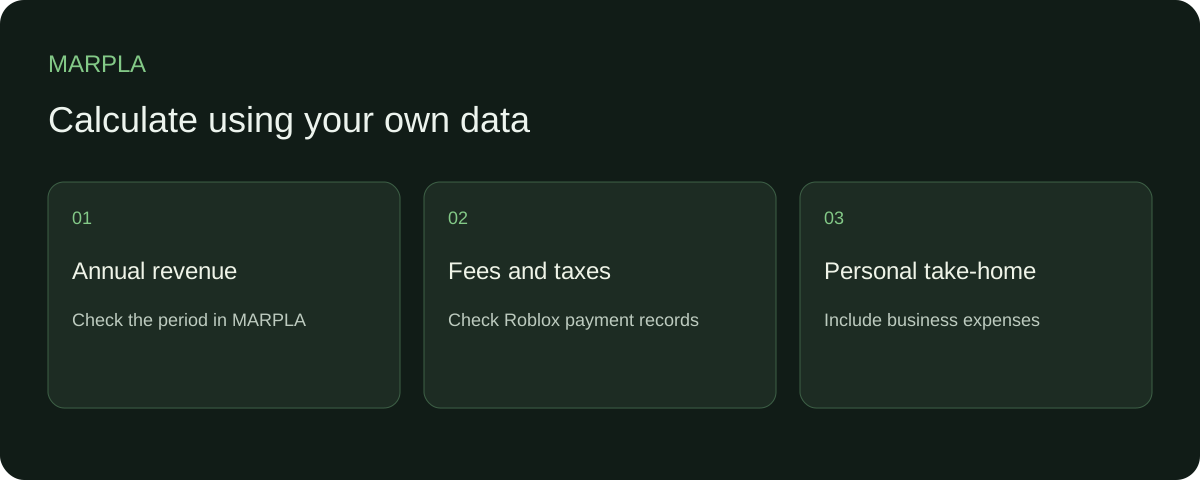
Start with annual game revenue and reconcile community reports. Use actual fees and taxes from Roblox, Tipalti and bank records so the calculation reflects your own amounts.
- Set up additional connectionsConnect additional Roblox sources and check the scope of the available data.Step-by-step guide →
- Compare your game with benchmarksBenchmark scales show how your game performs alongside other projects.Step-by-step guide →
Where this deep dive applies
Continue exploring
More on this topic →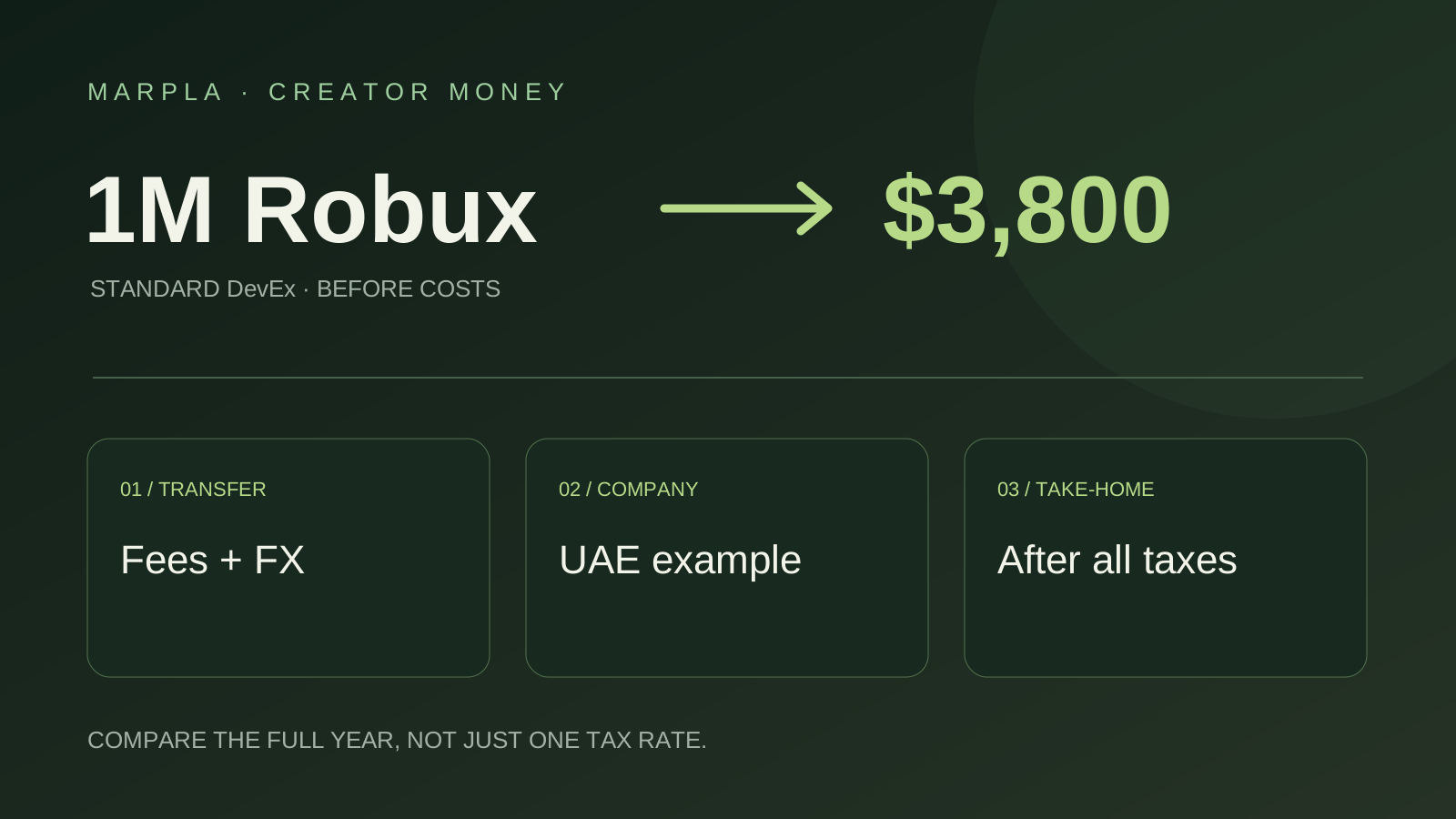
Where to Cash Out Robux: Simple Choices and a UAE Company Example
Keep more of your Robux earnings: bank versus PayPal, payout examples, and UAE companies earning $100,000 or $200,000 a year. A short practical guide.
Read article
DevEx net cash-out calculation: a line-by-line model
A worked formula for Earned Robux categories, U.S. withholding, payout fees, FX, business costs, and local tax reserve.
Read article
DevEx tax status and documents: a residency-first checklist
How payee identity, W-9 or W-8 documentation, U.S.-source withholding, and local tax fit together after the 2026 change.
Read article
Discussion0
Loading comments…