
Monetization
Earned Robux eligibility: what can enter DevEx
DevEx applies to eligible Earned Robux, not every Robux in a wallet. Roblox defines qualifying earning categories, lists clear exclusions, and reviews each request. Its dashboard amount is an estimate, not a guarantee. Use this checklist before the [full DevEx calculation](/en/resources/roblox-devex-cashout) so a payout model does not begin with an ineligible balance.
Focused deep dive
Source and compliance determine eligibility
Roblox currently lists earnings from permitted game products, passes, subscriptions, private servers, paid access, in-experience Marketplace fees, qualifying Transfer API fees, Creator Store sales, avatar items, publishing ads, Roblox Plus incentives, and Creator Rewards among Earned Robux sources. The source must comply with the Terms and Community Standards, and Roblox retains discretion to decide eligibility.
Explicit examples that do not qualify include directly purchased Robux, subscription grants, gift-card redemption, trading or resale of items, ordinary received Robux transfers, template-game pass sales without legitimate visits, and earnings tied to moderated violating content. Group payouts can qualify only when the underlying group funds are bona fide eligible earnings. Moving Robux between accounts does not change its source.
Worked example: reconcile the wallet
A creator has 120,000 Robux in the wallet: 70,000 from game products, 20,000 from Creator Rewards, 15,000 purchased personally, 10,000 from a subscription grant, and 5,000 received through an ordinary transfer. The maximum source-based candidate is 90,000, not 120,000. Roblox may still review compliance and provenance before approving it.
The DevEx dashboard shows 87,000 because recent earnings can be delayed and one group payout is still under review. The creator should reconcile sales, pending balances, group distributions, and the dashboard estimate rather than forcing the wallet total into the payout model. If Roblox rejects the request, the held Earned Robux is returned according to the current process.
Eligibility reconciliation
Keep an internal ledger by source and earning period, especially when categories can use different exchange rates.
- Export or record the source of each material Robux balance.
- Remove purchased, granted, gifted, traded, and ordinary transferred amounts.
- Trace group payouts to bona fide underlying earnings.
- Compare the result with the DevEx dashboard and category breakdown.
- Submit only through Creator Hub and retain the review outcome.
Shortcuts that do not create Earned Robux
Selling a pass to simulate an off-platform currency exchange does not make the transaction legitimate. Do not buy, sell, or transfer account access, cookies, or Robux through an unofficial cash-out service. Roblox lists attempts to exchange Robux for real currency outside DevEx among rejection reasons and can review compliance beyond a prior approval.
Do not subtract Roblox’s platform share twice. If an eligible balance already contains 1,000 Earned Robux, apply the applicable DevEx rate to those 1,000; the sale allocation happened before the balance was credited. Keep old-rate, standard, and limited special-rate categories separate when the request supplies them.
Decision record
Preserve the source ledger and the category breakdown displayed at request time. If Roblox approves a different amount, record the review result instead of rewriting the original wallet reconciliation. Prior approval does not guarantee the next request.
Primary sources
Put this into practice in MARPLA
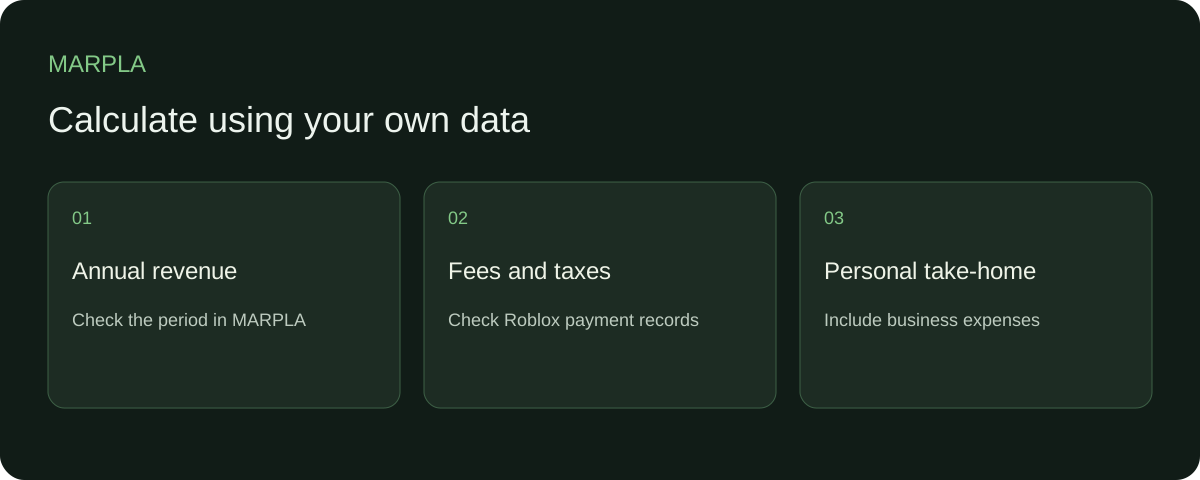
Start with annual game revenue and reconcile community reports. Use actual fees and taxes from Roblox, Tipalti and bank records so the calculation reflects your own amounts.
- Set up additional connectionsConnect additional Roblox sources and check the scope of the available data.Step-by-step guide →
- Compare your game with benchmarksBenchmark scales show how your game performs alongside other projects.Step-by-step guide →
Where this deep dive applies
Continue exploring
More on this topic →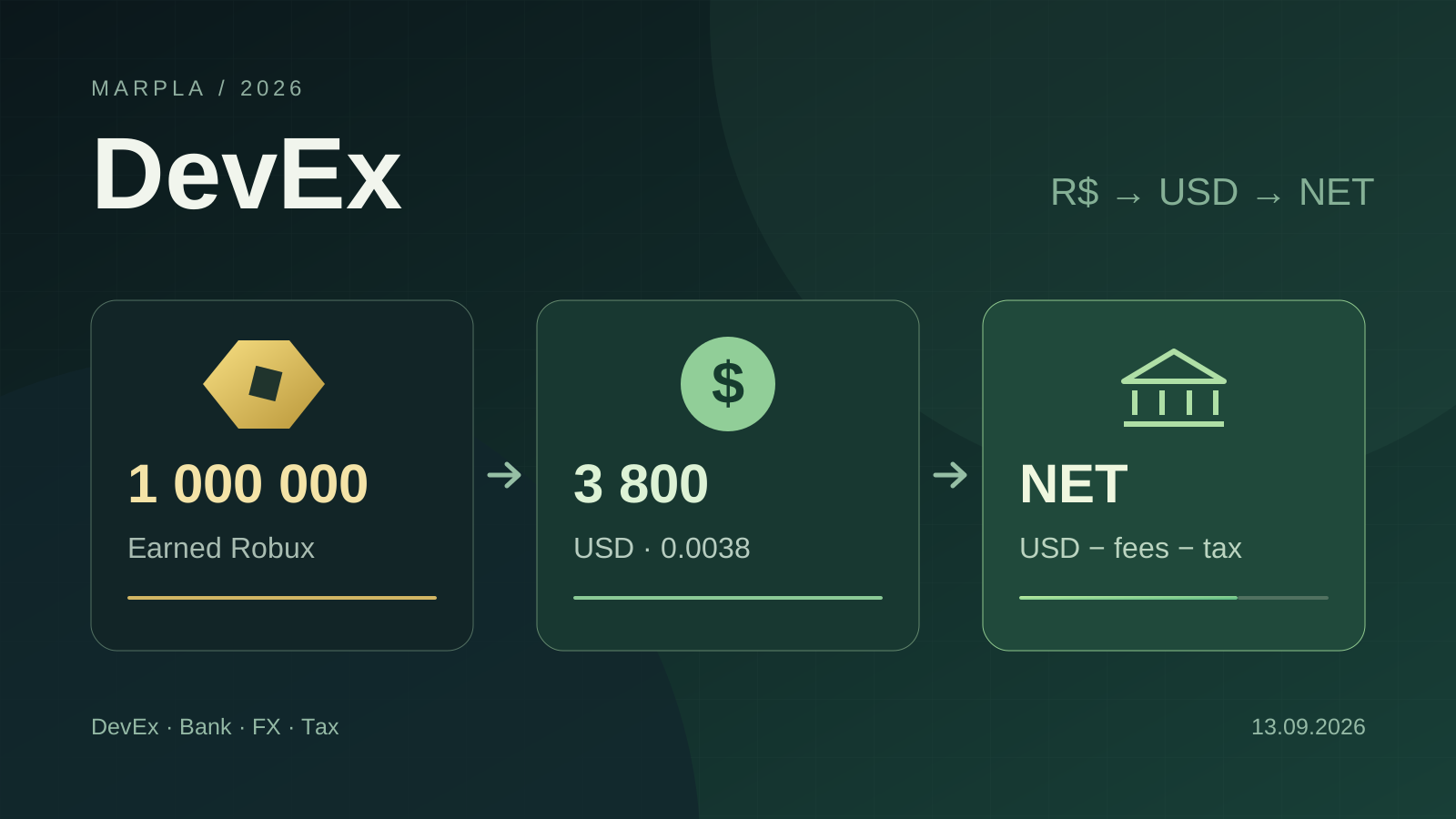
How to Cash Out Robux: DevEx, Fees, Crypto, and Taxes in 2026
DevEx rates of $0.0038 and $0.0054, real cash-out costs, net income calculations, taxes in different countries, and the rules taking effect in November 2026.
Read article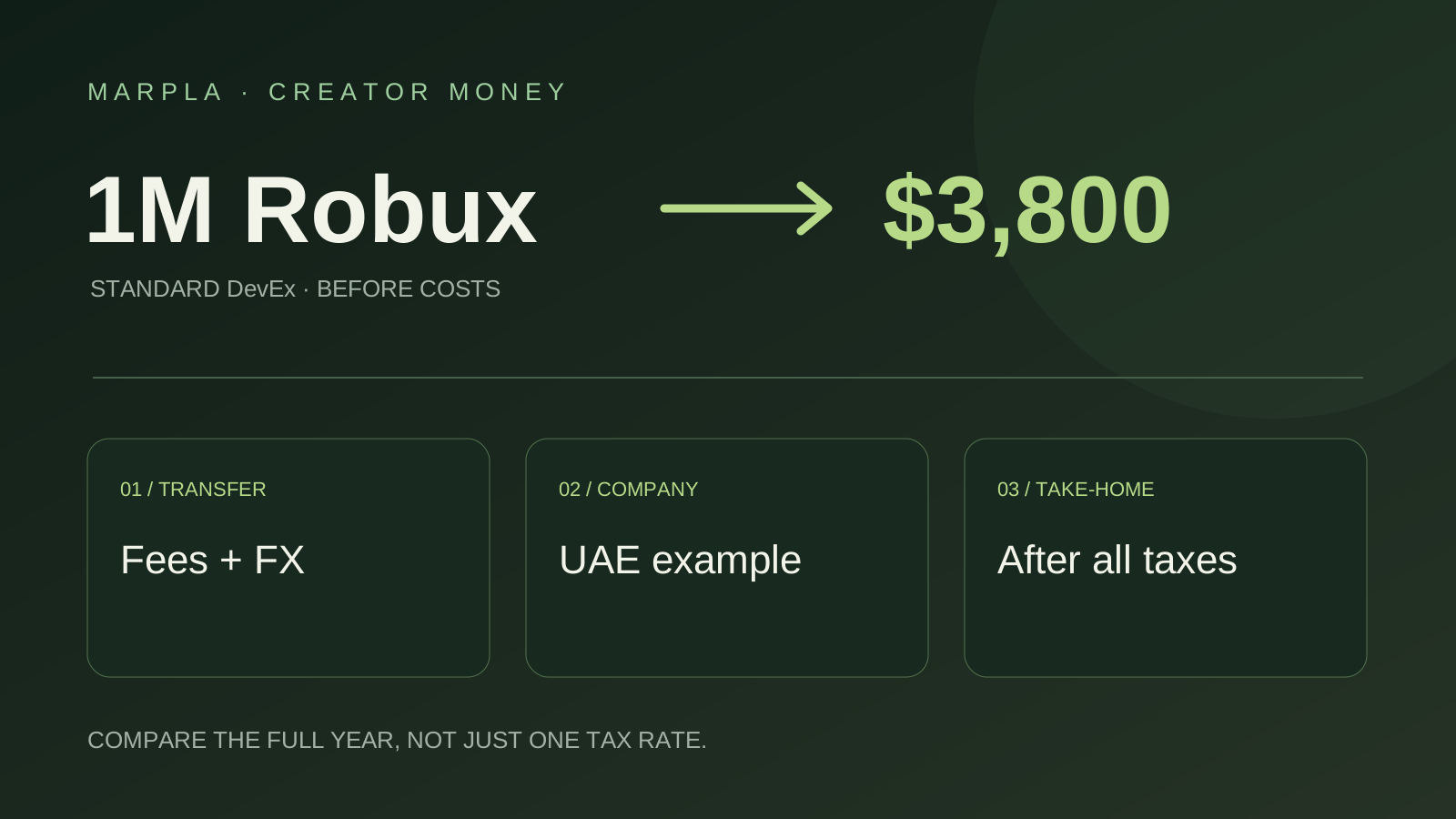
Where to Cash Out Robux: Simple Choices and a UAE Company Example
Keep more of your Robux earnings: bank versus PayPal, payout examples, and UAE companies earning $100,000 or $200,000 a year. A short practical guide.
Read article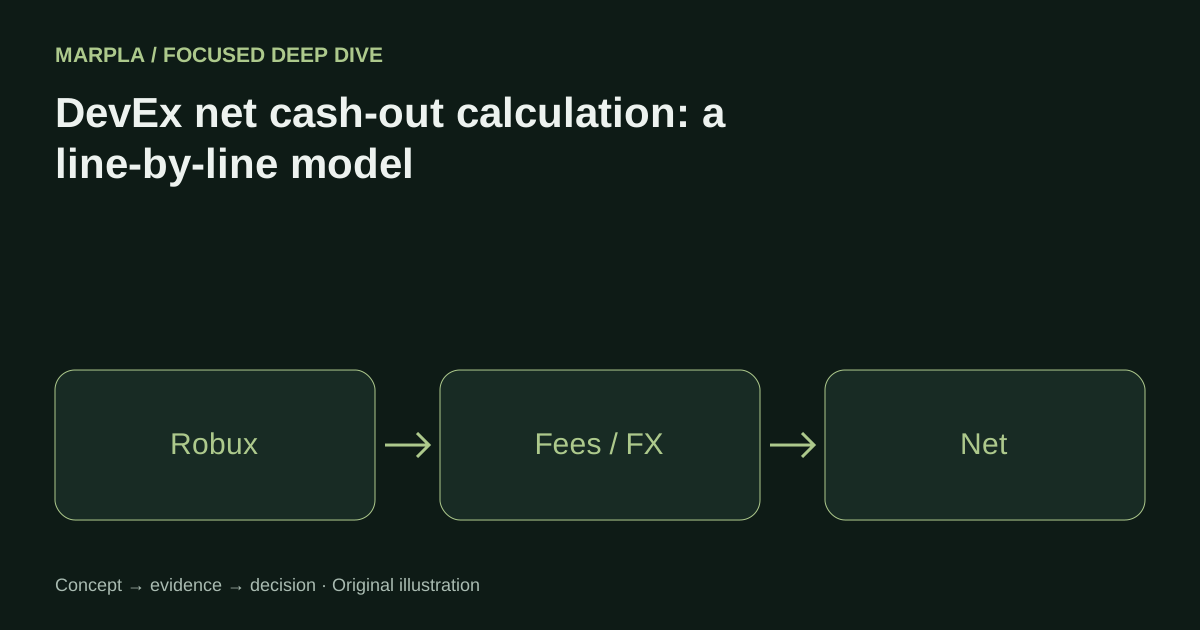
DevEx net cash-out calculation: a line-by-line model
A worked formula for Earned Robux categories, U.S. withholding, payout fees, FX, business costs, and local tax reserve.
Read article
Discussion0
Loading comments…