
Monetization
DevEx tax status and documents: a residency-first checklist
Tax results depend on the actual payee, residence, legal form, income source, treaty eligibility, and local law. This is a documentation workflow, not a tax-rate recommendation. Roblox says that from November 1, 2026 DevEx payouts are classified as royalties for U.S. federal tax purposes and the Creator Hub Taxes page becomes the system of record. Use current official documents and a qualified adviser for your facts.
Focused deep dive
Identify the payee before choosing a form
A U.S. person supplies information that generates Form W-9. A non-U.S. individual may generate W-8BEN; a non-U.S. entity may generate W-8BEN-E. Roblox says a valid treaty claim requires a complete form, a TIN, and consistent citizenship or incorporation and permanent-residence information. Supporting identification, registration, TIN, or residence documents can be requested. Submit sensitive data through Creator Hub, not email.
From November 1, Roblox says valid international information can produce 0% to 30% U.S. withholding on the part related to U.S. player purchases, depending on residence and treaty claim. Missing or invalid data can trigger 24% backup withholding on the full payout. Withholding is an advance U.S. income tax, not a provider fee. Local income, corporate, social contribution, foreign-tax-credit, and owner-distribution rules remain separate.
Worked example: why residence changes the model
A non-U.S. individual expects a $10,000 post-change payout, with 40% identified by Roblox as U.S.-source. Scenario A assumes a valid form and an applicable 10% treaty rate: modeled U.S. withholding is $10,000 × 40% × 10% = $400. Scenario B has no valid tax information by the deadline: the documented backup-withholding case can apply 24% to the full payout, or $2,400. The example does not determine anyone’s actual treaty entitlement.
After either withholding, the creator still calculates obligations in the country of tax residence and whether a credit is available. A second company or bank account does not automatically change residence or beneficial ownership. The adviser needs the payee, permanent address, citizenship or incorporation, TIN, entity classification, earning period, U.S.-source share, and year-end forms.
Prepare a clean tax file
Review status before the payout date because Roblox states the payout date controls the post-change treatment.
- Confirm the legal payee and tax residence for the payout year.
- Collect legal name, permanent address, TIN, and entity documents.
- Complete the generated form through Creator Hub Taxes.
- Validate any treaty claim against current official authorities.
- Save withholding details and the year-end 1099 or 1042-S for local filing.
Residency and form mistakes
Do not select a country because its headline rate is low, use a friend’s address, or assume incorporation equals the owner’s residence. A treaty rate is not available merely because a bank account is located in a treaty country. Company income and the owner’s later salary or dividend can face different rules.
Roblox’s older Tipalti support page still contains pre-transition instructions about where forms are filed and annual forms for non-U.S. persons. For post-November treatment, use the newer Creator Hub tax page: it says tax documentation moves to Creator Hub and international creators receive Form 1042-S for 2026 and later. Recheck current official text before publication or payout.
Decision record
Keep the validated tax status, generated form type, residence evidence, treaty claim, payout-date withholding statement, and year-end form together. Recheck after a move, entity change, TIN change, expiry, or official rule update; a valid prior payout is not permanent advice.
Primary sources
Put this into practice in MARPLA
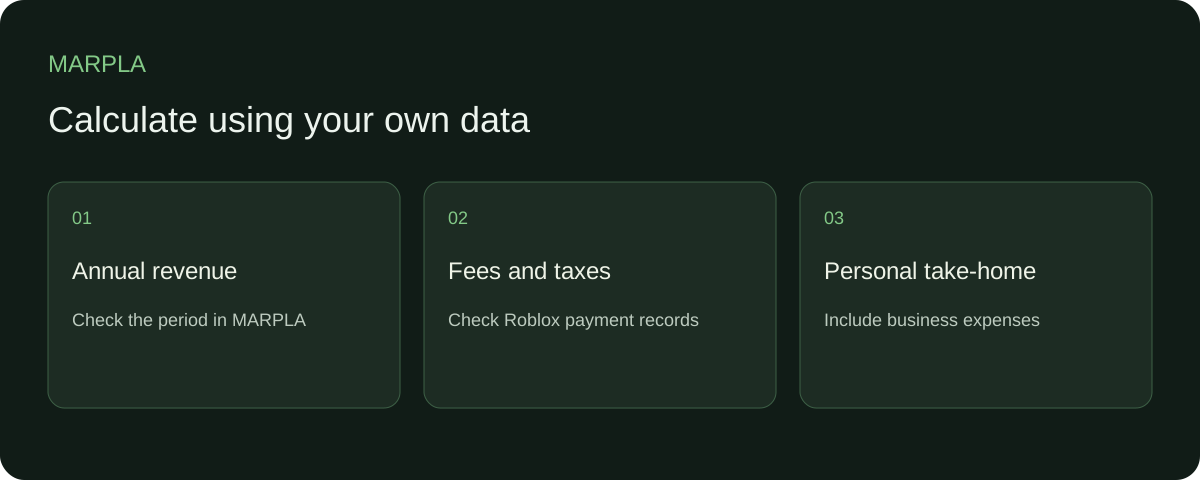
Start with annual game revenue and reconcile community reports. Use actual fees and taxes from Roblox, Tipalti and bank records so the calculation reflects your own amounts.
- Set up additional connectionsConnect additional Roblox sources and check the scope of the available data.Step-by-step guide →
- Compare your game with benchmarksBenchmark scales show how your game performs alongside other projects.Step-by-step guide →
Where this deep dive applies
Continue exploring
More on this topic →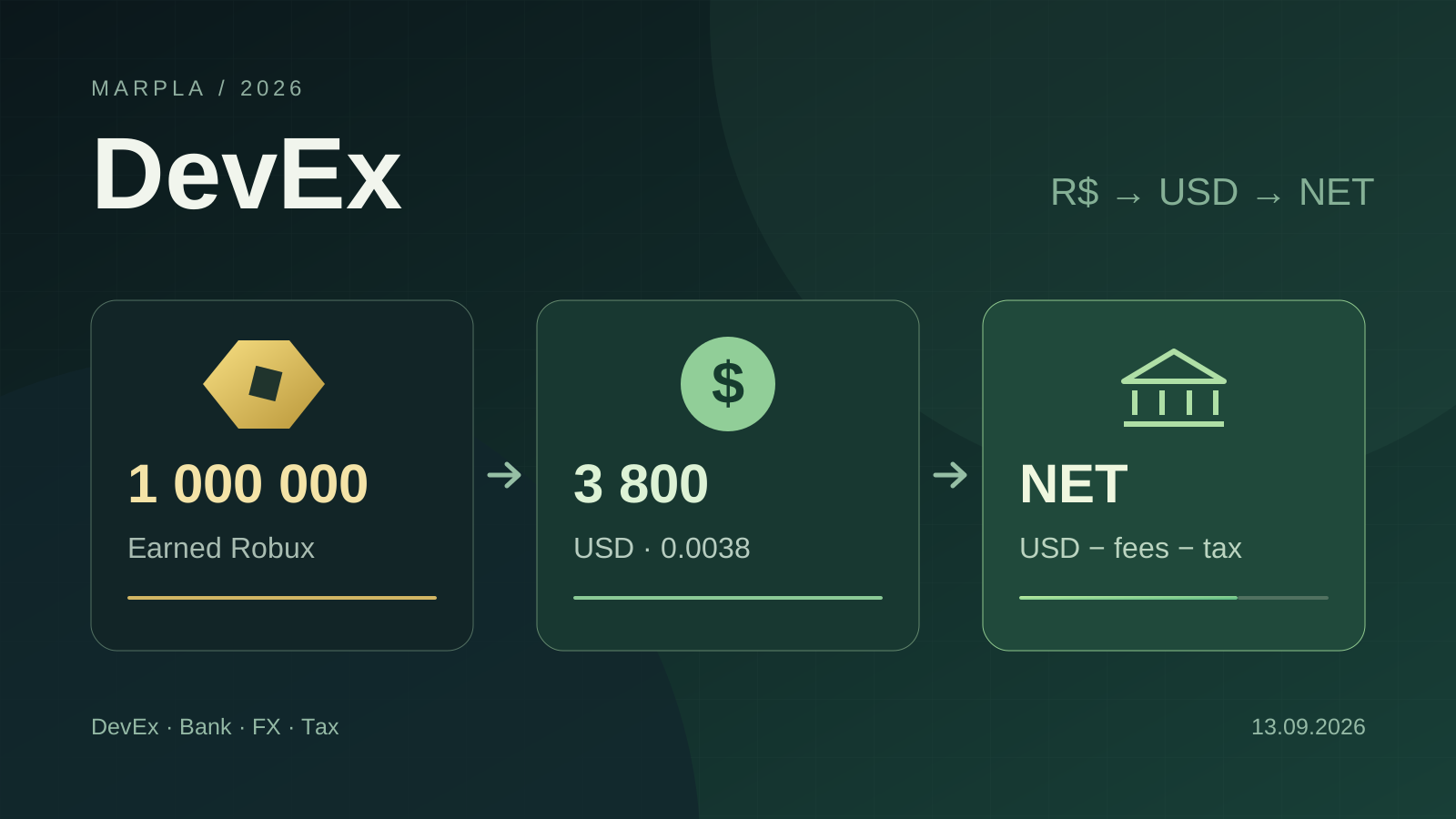
How to Cash Out Robux: DevEx, Fees, Crypto, and Taxes in 2026
DevEx rates of $0.0038 and $0.0054, real cash-out costs, net income calculations, taxes in different countries, and the rules taking effect in November 2026.
Read article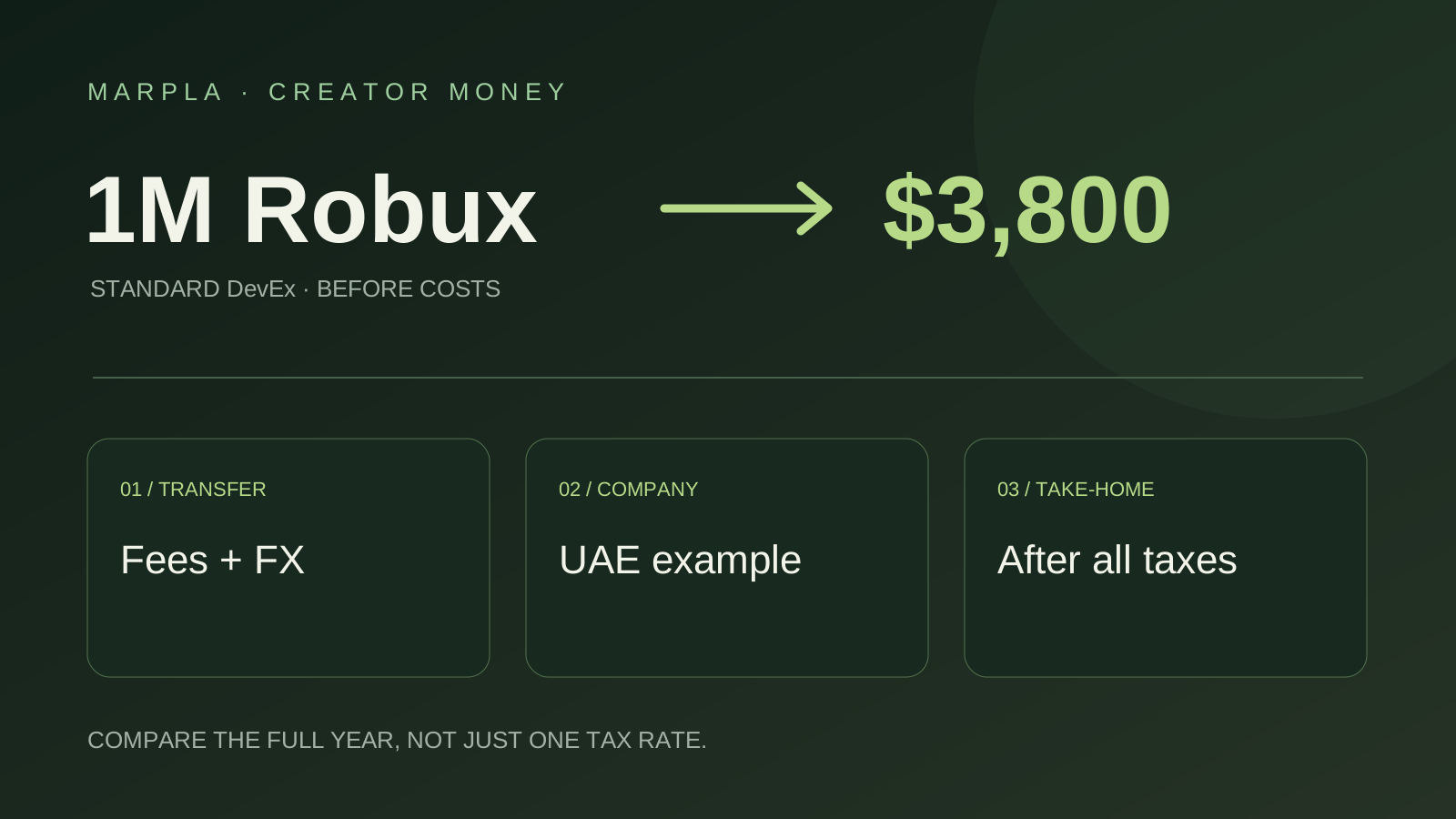
Where to Cash Out Robux: Simple Choices and a UAE Company Example
Keep more of your Robux earnings: bank versus PayPal, payout examples, and UAE companies earning $100,000 or $200,000 a year. A short practical guide.
Read article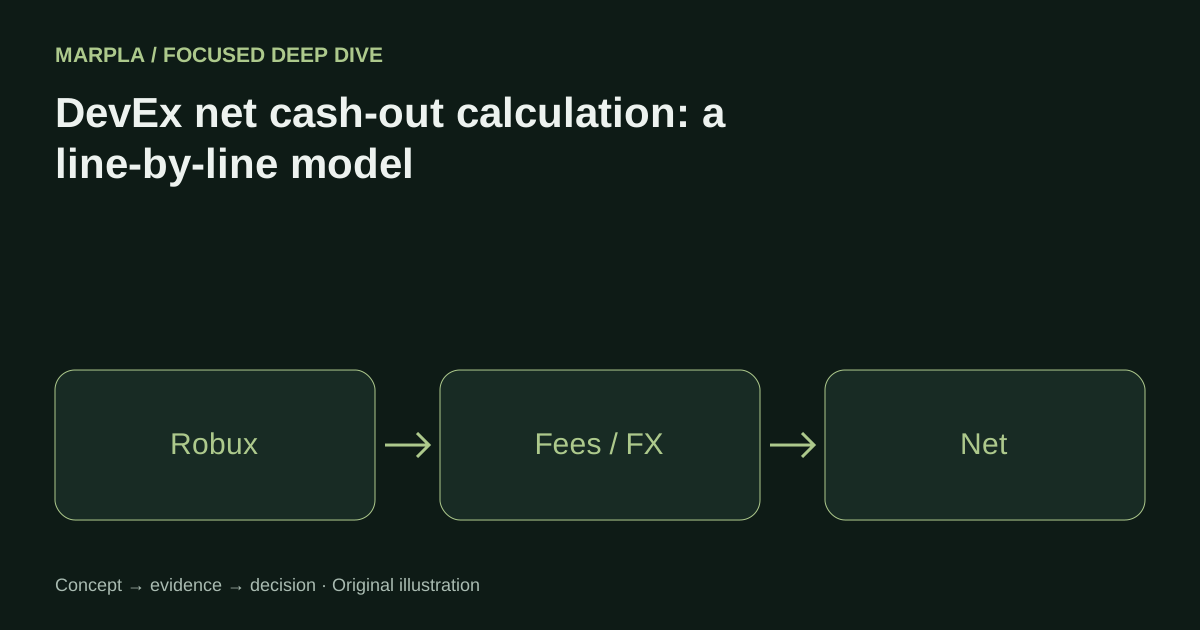
DevEx net cash-out calculation: a line-by-line model
A worked formula for Earned Robux categories, U.S. withholding, payout fees, FX, business costs, and local tax reserve.
Read article
Discussion0
Loading comments…