
Monetization
DevEx essentials: eligibility, payout, and records
DevEx converts eligible Earned Robux, not every Robux visible in an account. Roblox reviews each request and keeps the final decision on eligibility. The current Creator Hub documentation lists a standard rate of $0.0038 per eligible Robux, with older balances and the limited U.S. 18+ category handled separately. Read the breakdown shown in the request instead of applying one rate to the whole wallet.
Action essentials
Operate the payout as a recorded process
Use the legal payee that owns the Roblox account or properly receives the eligible company payment. Complete the payment profile and tax documentation through the official portal. From November 1, 2026, Roblox says DevEx payouts are treated as royalties for U.S. federal tax purposes; the tax form and U.S.-source portion can affect withholding. That withholding is tax paid in advance, not a processing fee and not necessarily the creator’s final total tax.
For each payout, save the request date, payout date, Robux categories, gross USD, U.S. withholding, provider fee, FX quote, bank receipt, and local tax reserve. Compare routes on the amount arriving in the same final currency. Cryptocurrency, a company, or a new bank account is a later treasury decision; none changes whether the original Robux qualifies for DevEx.
Stop the process if the legal name, recipient, category breakdown, or tax status is unclear; correcting the record first is cheaper than tracing a rejected or misrouted payment.
- Reconcile wallet balance with the DevEx Earned Robux estimate.
- Validate name, entity, bank, and tax-form consistency.
- Compare available payment routes in one currency at one time.
- Archive the final statement and reconcile it to the bank receipt.
Primary sources
Put this into practice in MARPLA
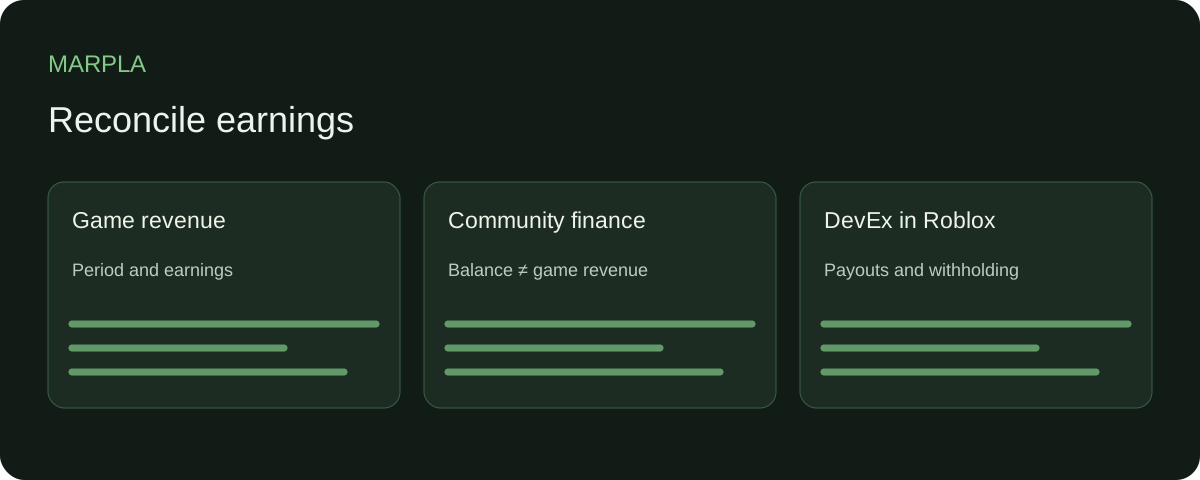
Reconcile game revenue with the community report over comparable periods. Keep pending Robux and member payouts separate: community balance is not profit. Check the Earned balance, actual DevEx payout and withholding in Roblox and payment records; MARPLA does not cash out funds.
- Set up additional connectionsConnect additional Roblox sources and check the scope of the available data.Step-by-step guide →
- Compare your game with benchmarksBenchmark scales show how your game performs alongside other projects.Step-by-step guide →
Where this deep dive applies
Continue exploring
More on this topic →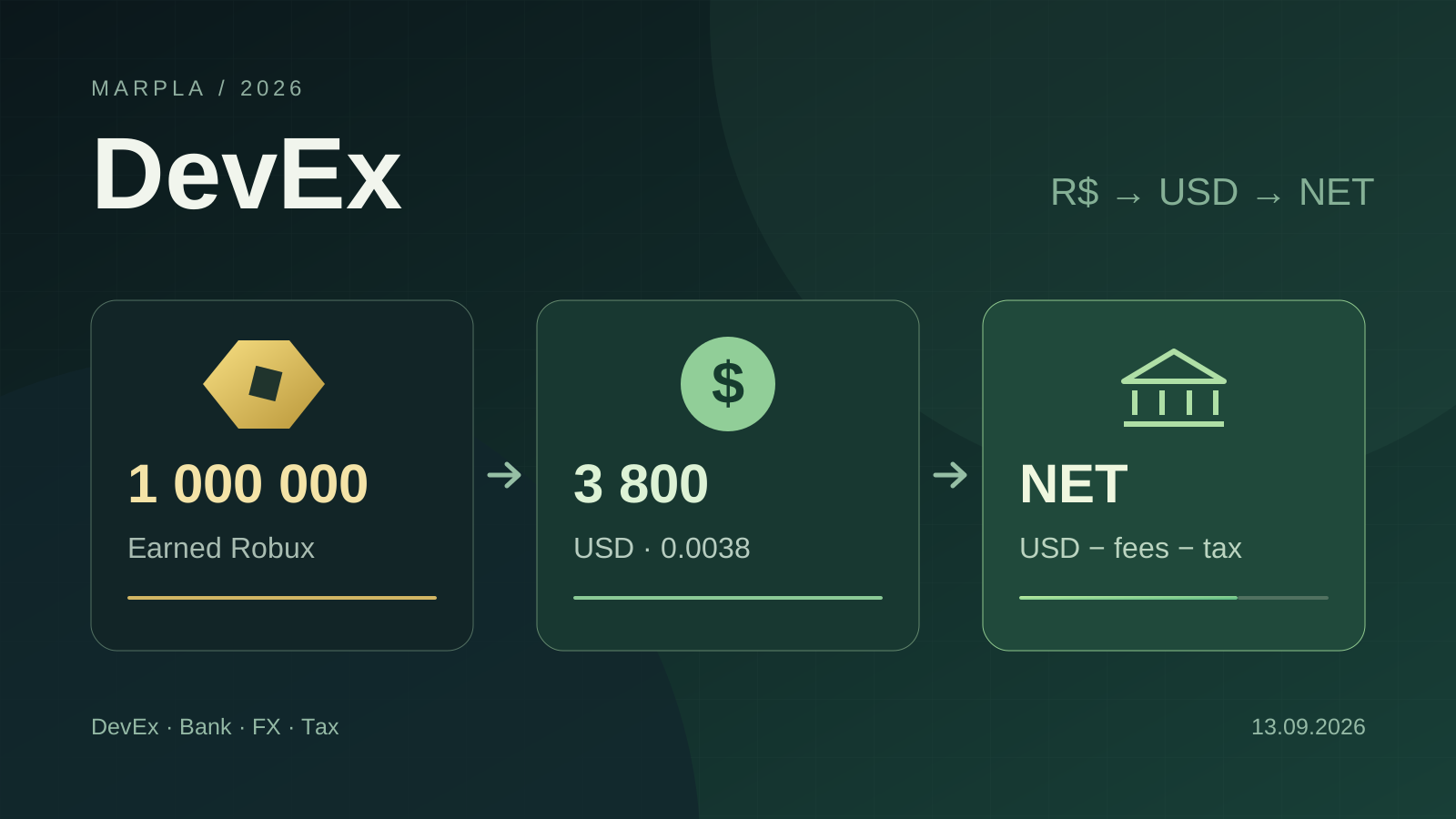
How to Cash Out Robux: DevEx, Fees, Crypto, and Taxes in 2026
DevEx rates of $0.0038 and $0.0054, real cash-out costs, net income calculations, taxes in different countries, and the rules taking effect in November 2026.
Read article
Earned Robux eligibility: what can enter DevEx
A source-based checklist for separating a wallet balance from Robux that may qualify for Developer Exchange.
Read article
DevEx payout fees and FX: compare the amount that lands
A method for comparing Tipalti payment routes, fixed fees, bank deductions, and currency conversion.
Read article
Discussion0
Loading comments…