
Market & game lists
Find interesting games, compare them and follow their events.
Favorite groups and note history
Organize games in private groups and record observations by day.
Find an article and explore a topic
Move from a concise action to the full guide and individual concepts.
Find a game and arrange the list
Search finds a project; sorting helps you choose games by the metric that matters to you.
Compare games
Compare how several projects perform over the same period.
Explore Roblox chart positions
Charts help you discover games featured in Roblox lists.
Find or create an event
Events are a calendar of game updates and activities.
Refresh events and live players
The refresh button requests up-to-date information for the selected game.
Make an offer for a game
An offer starts a conversation about buying a game or a stake.
Useful articles: examples and decisions
The guide covers the steps in the service. These articles explain the metrics, examples, techniques and how to evaluate results.
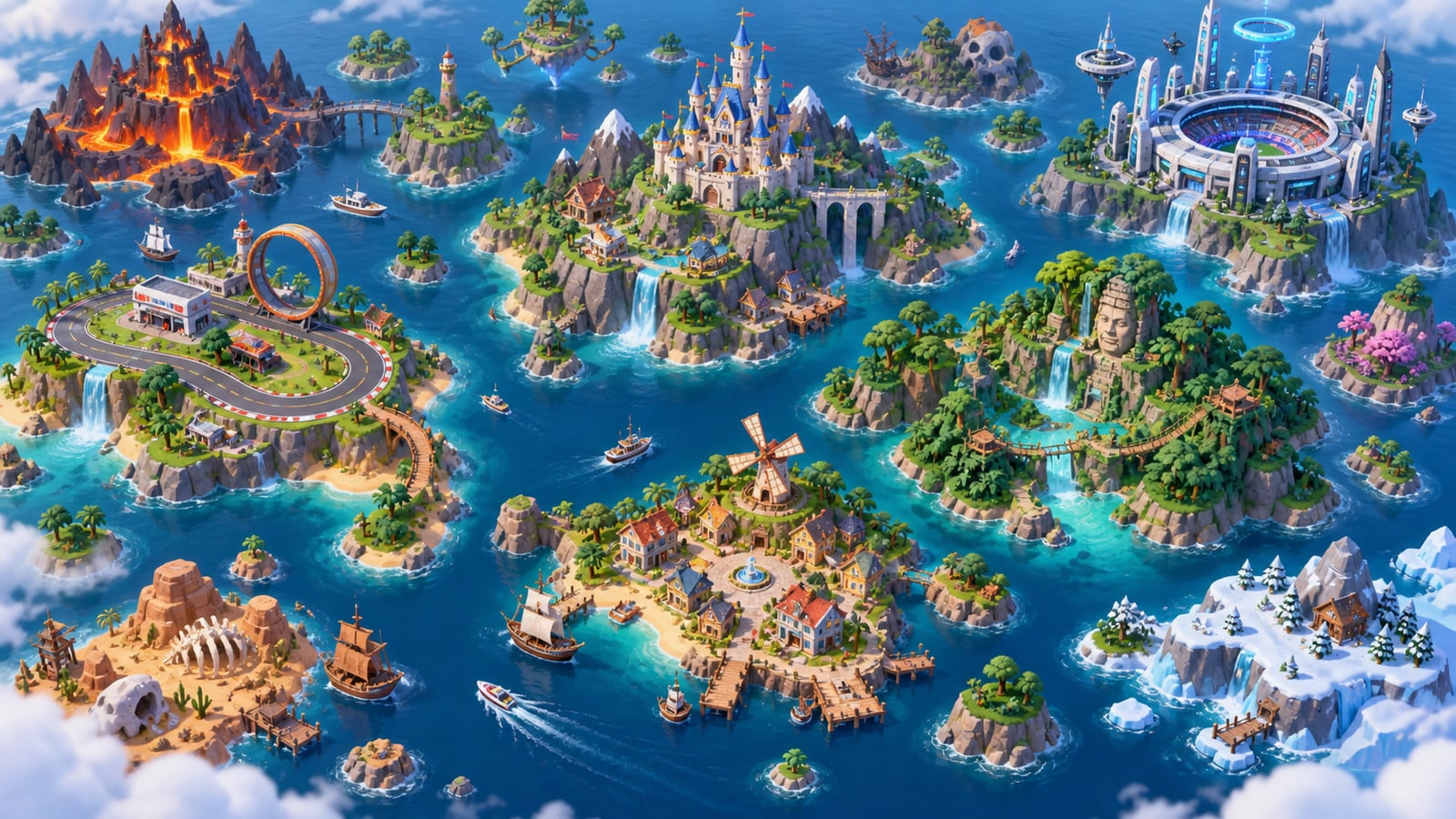
Roblox market analytics built from public observations
Track public Roblox experience signals in one catalog while keeping owner-only analytics separate.
Read article →
Compare Roblox games on the same evidence
Place selected experiences on shared charts and separate real differences from timing and coverage artifacts.
Read article →
How to compare Roblox games fairly
Build a peer set, align time windows, normalize scale, and keep public comparisons within what the data supports.
Read article →
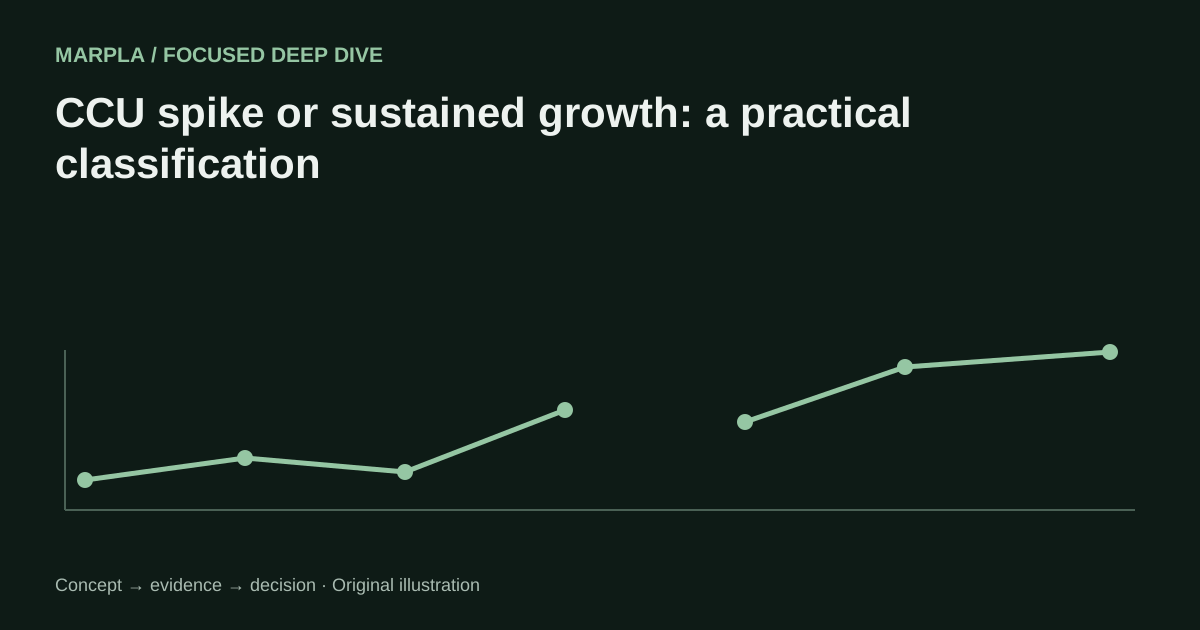
How to spot sustainable Roblox growth instead of a temporary spike
Use several time windows, supporting counters, and peak preservation to distinguish a rising baseline from a short burst.
Read article →
Section diagram
Game A · studio · genre
Instant checkboxes → Save changes · hover over a note for full text
Add games without a quantity limit.