
Comparing games
MARPLA game comparison essentials
Sign in, save relevant games to Favorites, and build a comparison around one question. Pick peers before looking at the winner, choose one metric and period, and keep the same visible window. Shared charts make overlap easier to inspect, but the result is only as fair as the peer rules, timestamps, and coverage.
Action essentials
Read the chart without overclaiming
Compare CCU levels, absolute change, and percentage change separately. For Visits, favorites, and votes, compare increments over matched windows because lifetime totals reward age. Toggle lines to inspect gaps, peaks, and whether a divergence survives another daily cycle. Open each game card for its source time, creator, update date, and supporting signals.
A public comparison does not reveal retention, revenue, payer conversion, or traffic mix. A rise after an update is a lead, not proof of the update’s effect. Record the comparison setup and use the result to decide whether to monitor, play-test, or request owner data.
Save the chosen games, metric, window, and observation time together. Otherwise a later live refresh can produce a different chart that no longer explains the original decision.
- Save two or more defensible peers.
- Select one metric and matching window.
- Inspect gaps and source times before ranking.
- Record the decision and the evidence needed next.
Primary sources
Put this into practice in MARPLA
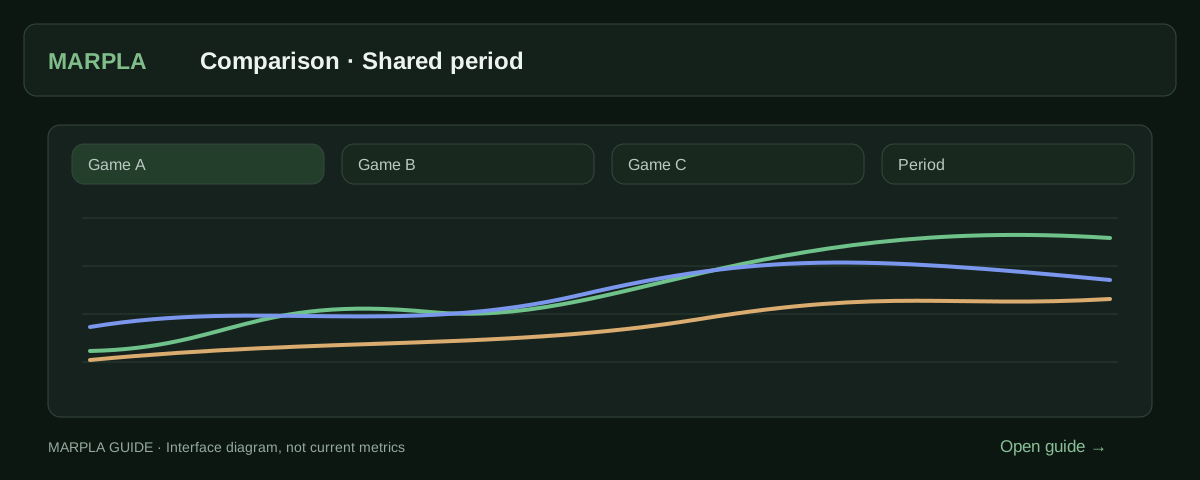
Select games and enable the relevant lines on a shared chart. A common metric and period help reveal differences without confusing scale with growth rate.
- Compare gamesCompare how several projects perform over the same period.Step-by-step guide →
- Set up a chartThe range sets how much time to show; the interval sets how points are grouped.Step-by-step guide →
Where this deep dive applies
Continue exploring
More on this topic →
Compare Roblox games on the same evidence
Place selected experiences on shared charts and separate real differences from timing and coverage artifacts.
Read article
Comparable peers and matched windows for Roblox analysis
How to define a peer set and align observation windows before ranking Roblox games.
Read article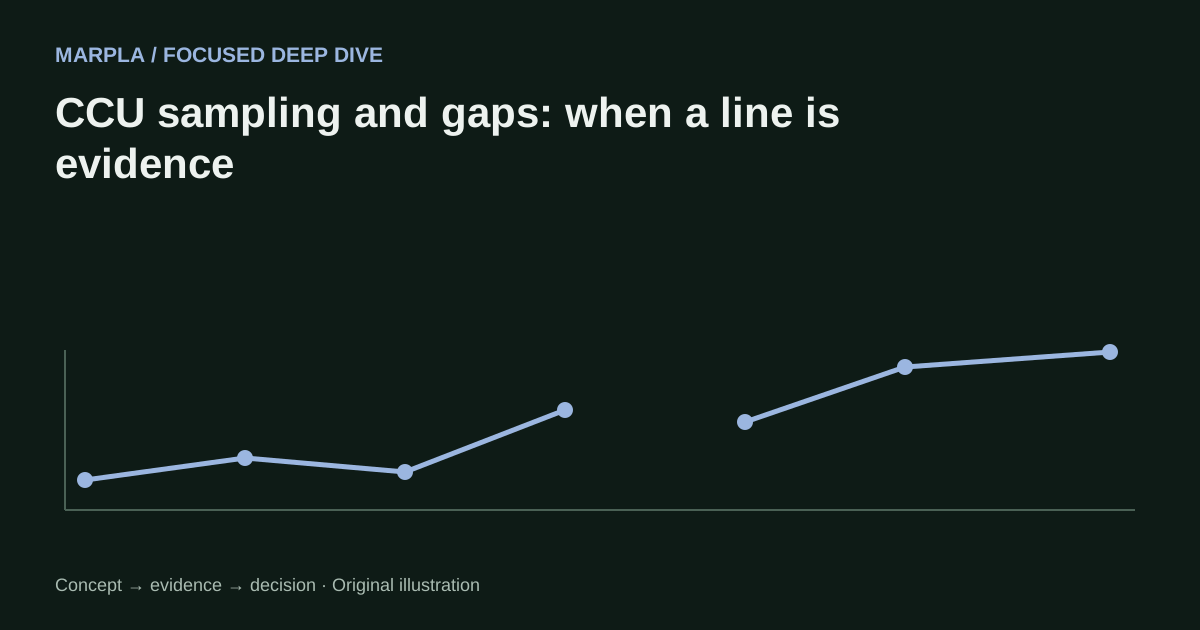
CCU sampling and gaps: when a line is evidence
How to read sampled Roblox CCU history, assess coverage, and avoid manufacturing behavior between missing points.
Read article
Discussion0
Loading comments…