
Launch & promotion
Roblox Experiments randomization: set up a causal test
Randomization makes groups comparable in expectation, but cannot rescue a vague question, broken event, or treatment changed mid-test. Define the intervention and decision before launch.
Focused deep dive
Design before Creator Hub
Record population, control, one or two variants, primary metric, guardrails, expected direction, minimum useful effect, and actions for win, loss, or inconclusive. Roblox in-game experiments use player-specific config snapshots; matchmaking experiments change matchmaking configuration. Only one matchmaking experiment can run at a time.
Documentation specifies 14–60 days, rollout percentage, and MDE. More rollout usually means more data but greater exposure to risk. Targeting applies to in-game experiments and narrows the audience, so MDE is updated. Targeting and variants cannot change after start.
| Risk | Protection | Check |
|---|---|---|
| Player sees different variants | Use player-specific snapshot consistently | Repeat-join QA |
| Variants affect each other | Isolate shared server state | Multiplayer test |
| Concurrent release | Freeze the path or mark intervention | Version log |
| Event logs an attempt | Server-confirmed success event | View Events |
Launch without losing the question
Suppose a shorter tutorial is tested. Control is the current path; treatment gives contextual guidance inside the main loop. Reward must remain unchanged. Primary metric is D1 or another preselected Roblox metric; completion is a diagnostic guardrail when measured separately.
Before start, test config fallback, assignment across joins, and rollback. Configuration locks after scheduling. If a critical defect appears, player safety outranks experimental purity: stop exposure and mark the test invalid.
- State one intervention.
- Verify telemetry and safe fallback.
- Choose rollout from risk and MDE.
- Check targeting and player overlap.
- Freeze changes and mark launch as a milestone.
Primary sources
Put this into practice in MARPLA
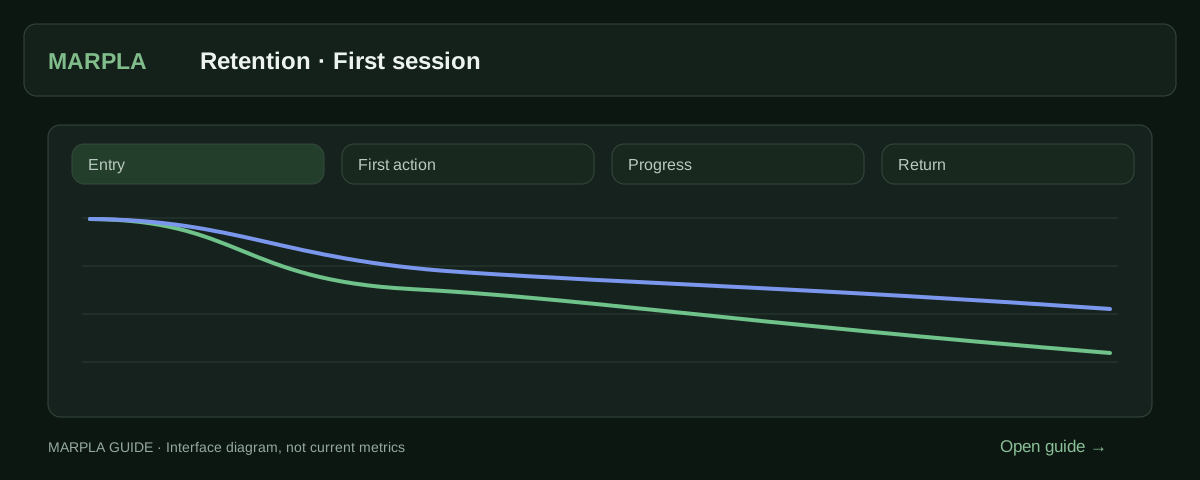
Locate early drop-off using retention and connected events. After changing onboarding, compare new cohorts to check whether more players reach their first meaningful action and return.
- Add a milestone and track its resultA milestone marks a game change: an update, advertising, a new price or artwork.Step-by-step guide →
- Compare your game with benchmarksBenchmark scales show how your game performs alongside other projects.Step-by-step guide →
- View custom eventsCustom events track in-game actions, such as completing stages.Step-by-step guide →
Where this deep dive applies
Continue exploring
More on this topic →
Roblox Experiments results: decide without chasing green metrics
Read MDE, maturity, the primary metric, guardrails, and an inconclusive outcome.
Read article
Roblox first-session funnel: events you can trust
Turn the first loop into a short server-confirmed funnel and validate collection before release.
Read article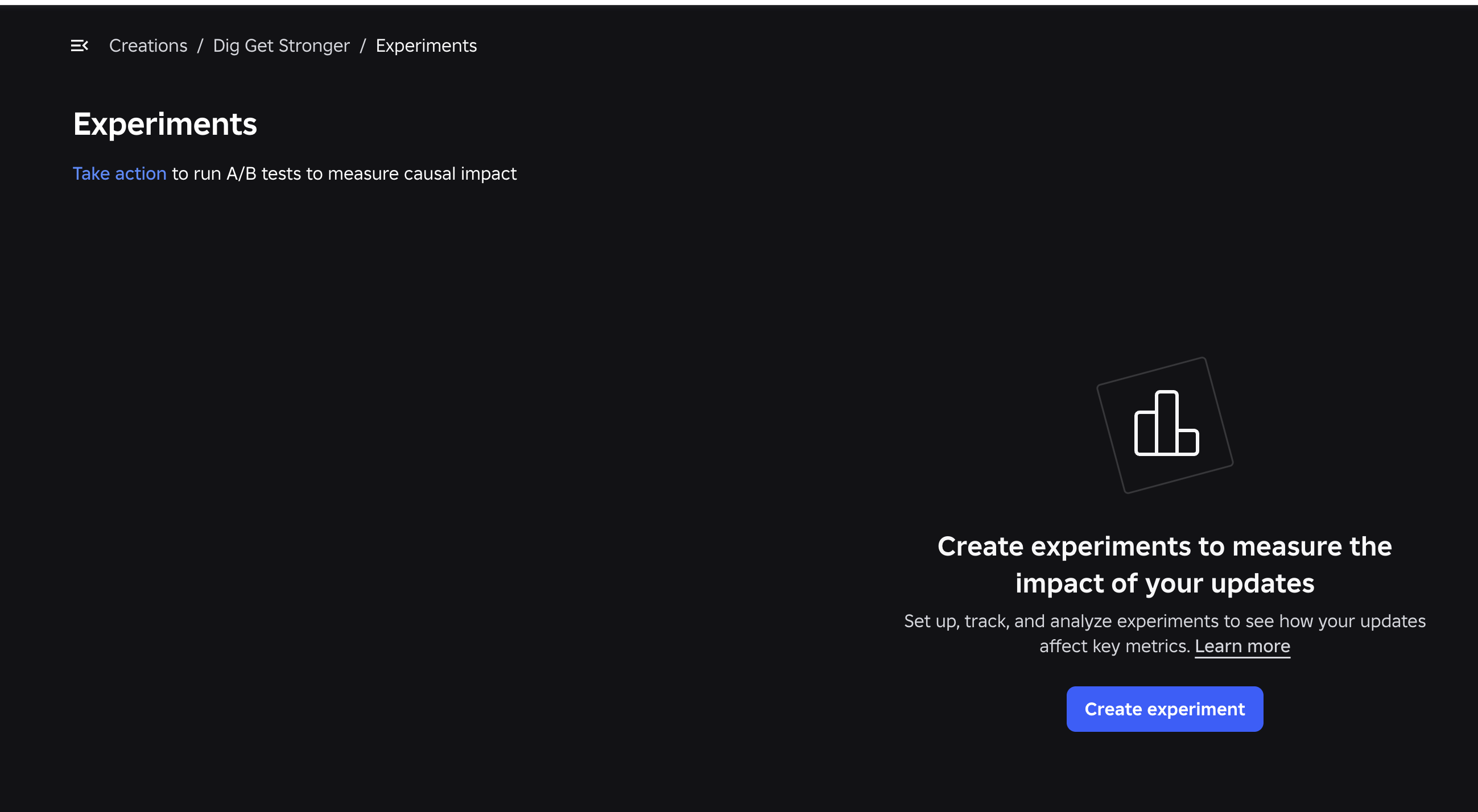
Roblox Experiments: how to run A/B tests and improve your game
Set up Roblox Experiments, select metrics and evaluate A/B tests: 8 game test ideas, creator case studies, interpretation pitfalls and an experiment template.
Read article
Discussion0
Loading comments…