
Launch & promotion
Roblox thumbnails: a short working plan
Choose the surface and the loss you want to understand first. The gallery explains the game, Home personalizes delivery, and advertising buys distribution; their metrics and audiences differ. Artwork should truthfully promise an action a newcomer can encounter in the opening minutes.
Action essentials
Seven actions in priority order
Retain the source file, variant code, upload date, and actual moderation status. You may adapt one concept across surfaces, but a result on one surface does not automatically transfer to another.
Review every frame at phone size and ask an unfamiliar player to name the action, payoff, and first expectation without coaching. A mistaken answer informs the next brief; it is not a measured conversion loss. After upload, wait until the asset is actually serving and mark that moment, because moderation submission is not the observation start.
Separate attention from promise fit when reading results. High PTR can coexist with high early exit; in that case, making the image stronger may amplify mismatch. First verify that opening gameplay fulfills the frame.
- Identify the surface and the loss being diagnosed.
- Choose screenshot or staged scene for the job.
- Build the gallery as a sequence of new answers.
- Prepare files, names, and alt text.
- Write the artist brief before production.
- Start a stable Home set and log changes.
- Confirm the current interface definition of PTR and choose one next action.
Primary sources
Put this into practice in MARPLA
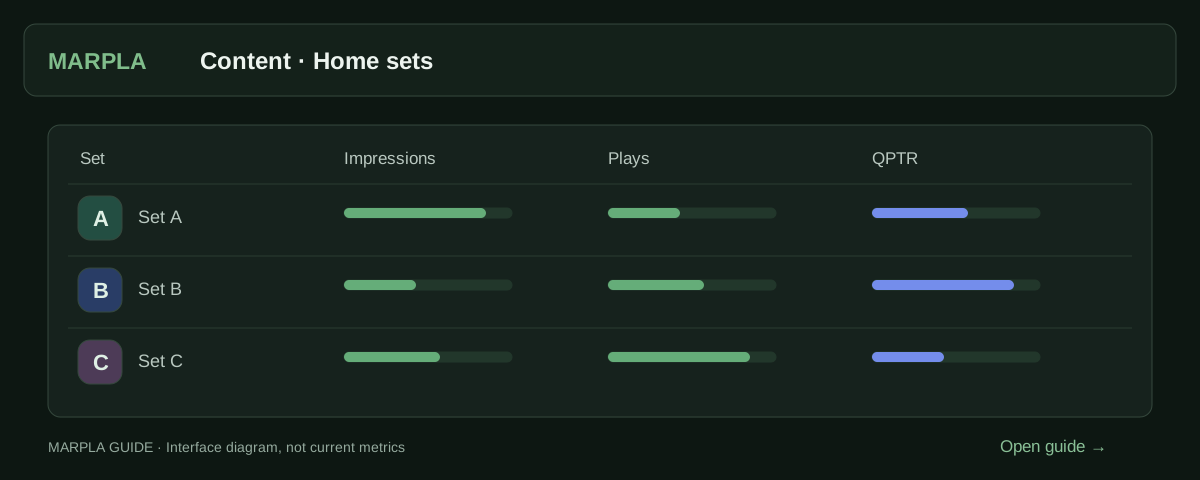
Prepare thumbnail variants, open the creative set and compare impressions, qualified plays and available signals. Use this evidence to identify artwork that attracts suitable players and choose your next test.
- Creative library and schedulesSelect up to five images and launch them as one Home set.Step-by-step guide →
- Compare Home creatives and setsDistinguish set changes from statistics days.Step-by-step guide →
Where this deep dive applies
Continue exploring
More on this topic →
Roblox thumbnails: screenshots, staged scenes and practical testing
Choose Roblox thumbnails, structure the game-page gallery and test Home images: screenshots versus renders, PTR/qPTR, creative briefs and a practical workflow.
Read article
Roblox creative brief and gallery: promise to sequence
Choose a truthful concept, test comprehension, and build a non-repetitive gallery.
Read article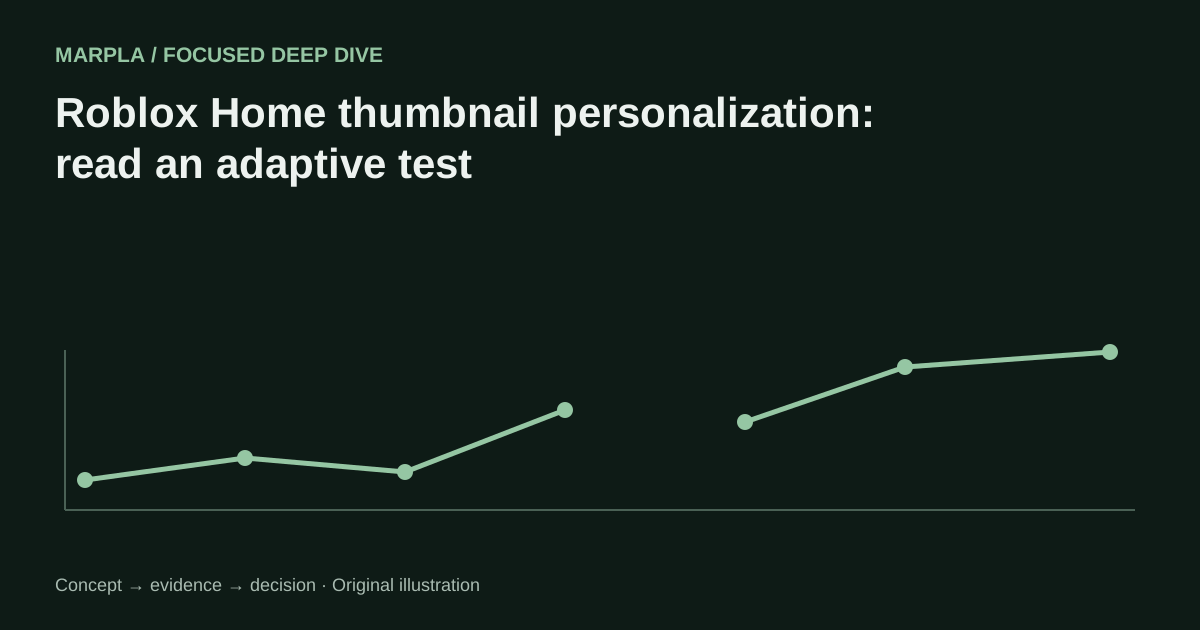
Roblox Home thumbnail personalization: read an adaptive test
Why unequal delivery is not a conventional 50/50 A/B test and how to choose the next action.
Read article
Discussion0
Loading comments…