
Launch & promotion
Roblox creative brief and gallery: promise to sequence
A useful gallery answers in order: what do I do, what do I gain, and why do I continue? It need not fill every slot and must not present a rare exception as the normal first experience.
Focused deep dive
One brief, one testable idea
Specify the surface, audience, action, reward, real game moment, hypothesis, and prohibited promises. A screenshot preserves UI and scale; a staged scene may explain an action that reads poorly through the normal camera. Composition can improve; mechanics cannot be invented.
Show the frame to an unfamiliar player at phone size without coaching. Ask what they do, gain, and try first. Record mistaken expectations verbatim. This is a comprehension check, not conversion measurement.
| Position | Frame job | Reason to replace |
|---|---|---|
| 1 | Core action and payoff | Needs narration to understand |
| 2 | Real gameplay proving the promise | Repeats frame one |
| 3 | Understandable progression | Shows an inaccessible reward |
| 4+ | A new reason to play | Adds no information |
Production and revision
Roblox recommends 16:9 at 1920×1080, supports up to ten images or videos on the detail page, and provides alt text. Home and Experience Detail Page are managed separately. Retain file code, source, date, order, and moderation status.
Hypothetical example: frame one shows a legendary pet while newcomers mine for ten minutes without seeing a path to it. Replace the promise with a real first upgrade or explain progression. Keep title and onboarding stable during observation so the gallery's role is not further confounded.
- Assign a job to every frame.
- Match each promise to a real game moment.
- Test comprehension at phone size.
- Upload, wait for moderation, and log the date.
- Compare matching periods with a causal limitation.
Primary sources
Put this into practice in MARPLA
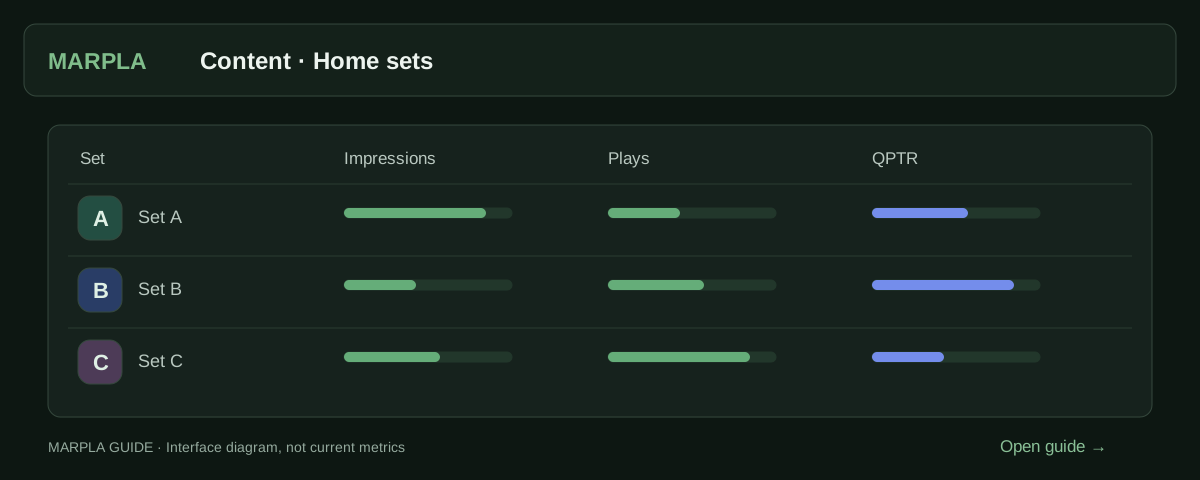
Prepare thumbnail variants, open the creative set and compare impressions, qualified plays and available signals. Use this evidence to identify artwork that attracts suitable players and choose your next test.
- Creative library and schedulesSelect up to five images and launch them as one Home set.Step-by-step guide →
- Compare Home creatives and setsDistinguish set changes from statistics days.Step-by-step guide →
Where this deep dive applies
Continue exploring
More on this topic →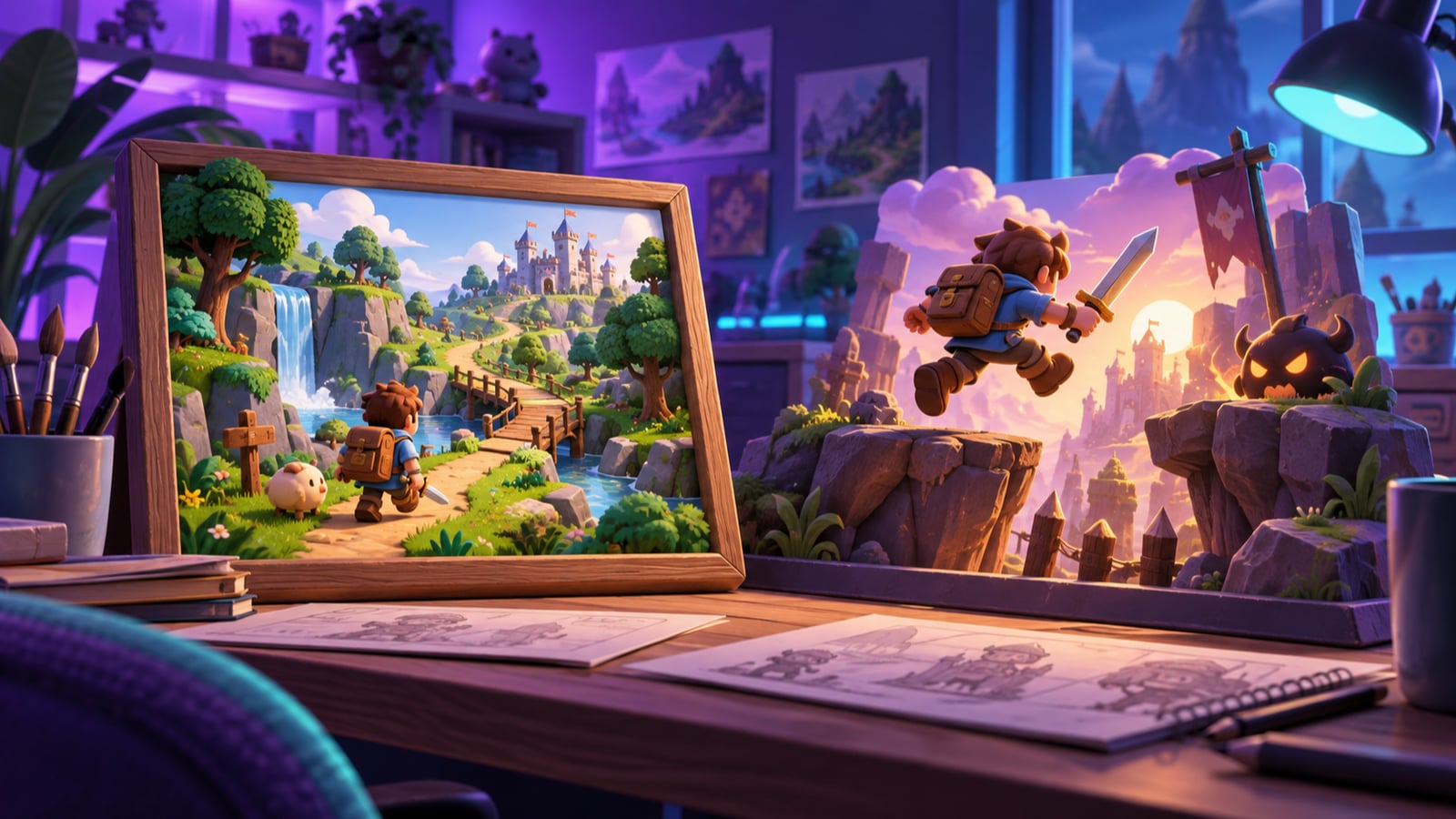
Roblox thumbnails: screenshots, staged scenes and practical testing
Choose Roblox thumbnails, structure the game-page gallery and test Home images: screenshots versus renders, PTR/qPTR, creative briefs and a practical workflow.
Read article
Designing a Roblox ad creative test
One factor, a hypothesis card, event log, and a conclusion at the correct evidence level.
Read article
Roblox Home thumbnail personalization: read an adaptive test
Why unequal delivery is not a conventional 50/50 A/B test and how to choose the next action.
Read article
Discussion0
Loading comments…