
Growth & updates
Roblox update evaluation: the essential before-and-after plan
Before release, write the product change, target audience, primary metric, guardrails, analysis window, and decision rule. Mark the deployment time and avoid bundling unrelated changes when practical. A graph drawn after release cannot recover a missing hypothesis or identify which of several simultaneous changes caused the result.
Action essentials
Compare matched windows and investigate alternatives
Build a baseline from comparable weekdays, time zones, acquisition mix, platforms, and cohort maturity. Check data completeness and releases, campaigns, outages, holidays, creator activity, or Roblox distribution changes that overlap the window. Report the observed difference first; state causal confidence separately.
For your own game, segment new and returning users and inspect retention, session time, funnels, acquisition, monetization, and technical quality. A controlled experiment offers stronger causal evidence when the feature and traffic split are suitable. If randomization is unavailable, use a cautious before-and-after review and predefine what result will ship, roll back, or require another test.
Keep the pre-release plan beside the result. It shows whether the team followed the original decision rule or selected a favorable metric after seeing the charts.
- Write the hypothesis, primary metric, guardrails, and decision threshold.
- Save the release timestamp and a matched baseline.
- Check confounders and cohort maturity.
- Choose ship, rollback, or follow-up test from the prewritten rule.
Primary sources
Put this into practice in MARPLA
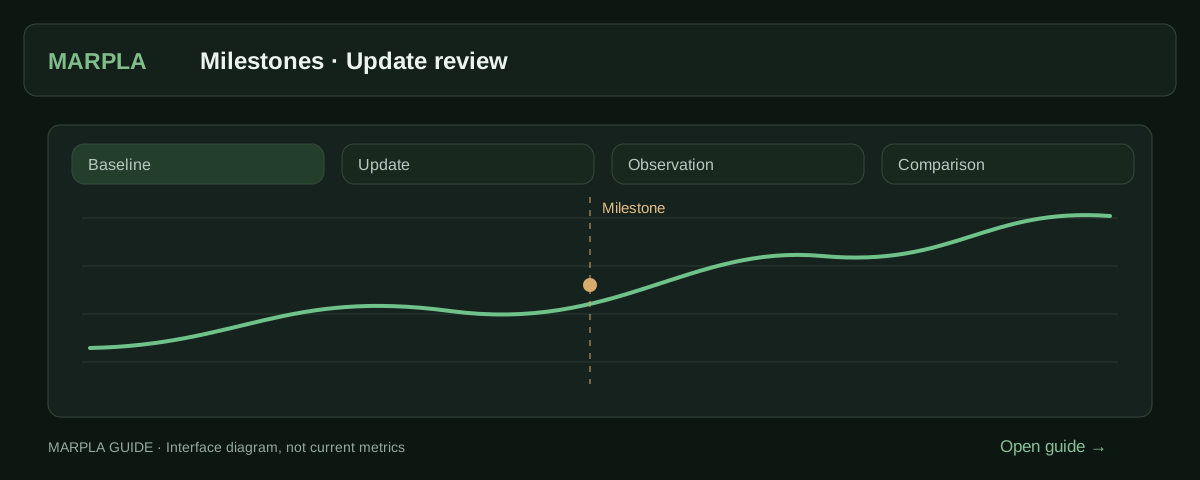
Record the update date and goal, then review new-cohort retention and audience trends. Compare matching days and account for advertising running at the same time.
- Add a milestone and track its resultA milestone marks a game change: an update, advertising, a new price or artwork.Step-by-step guide →
- Compare your game with benchmarksBenchmark scales show how your game performs alongside other projects.Step-by-step guide →
Where this deep dive applies
Continue exploring
More on this topic →
How to evaluate a Roblox update without claiming false causality
Plan the measurement, align cohorts and windows, inspect confounders, and reserve causal language for controlled experiments.
Read article
Roblox Experiments: how to run A/B tests and improve your game
Set up Roblox Experiments, select metrics and evaluate A/B tests: 8 game test ideas, creator case studies, interpretation pitfalls and an experiment template.
Read article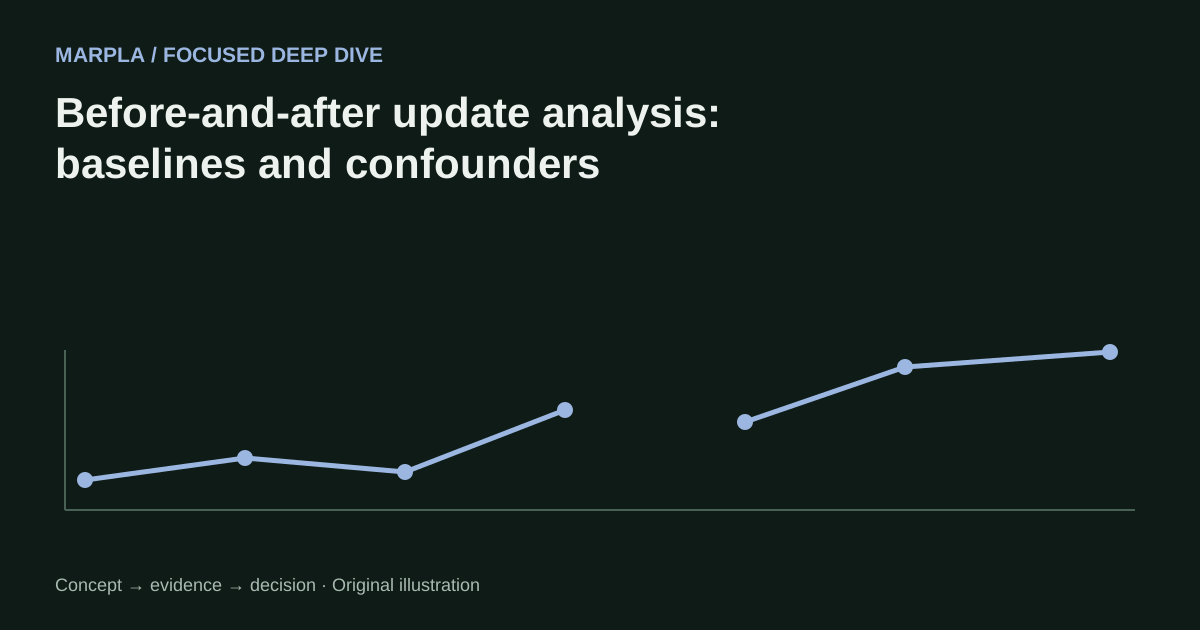
Before-and-after update analysis: baselines and confounders
A practical method for evaluating Roblox updates when a controlled experiment is unavailable.
Read article
Discussion0
Loading comments…