
Data & methodology
CCU essentials: read the snapshot, then the series
CCU is the number of people playing at an observed moment. It is a snapshot of concurrency, not DAU, unique visitors, sessions, retention, or revenue. A single point answers “how many were online then?” A series can show the shape of activity, but only at the times that were actually sampled.
Action essentials
Use CCU for shape and scale
Check the timestamp and missing intervals before comparing a peak. Compare games over the same clock hours and day types because region, school schedules, events, and weekends change concurrency. Use absolute change and percentage change together: moving from 10 to 20 is +100% but only ten additional concurrent players.
Visits is a cumulative counter and does not equal unique players. A rise in Visits while CCU falls is possible because the measures cover different concepts and timing. For your own game, use authorized DAU, retention, session time, and acquisition reports to explain the public curve. For competitors, keep those explanations as hypotheses and look for repeated supporting signals.
Save both the value and observed-at time. A later refresh can replace the number on screen, but it cannot change what was actually available for the earlier decision.
- Confirm Universe ID, timestamp, and observation coverage.
- Compare matching time windows and include the absolute base.
- Check Visits, favorites, votes, update timing, and direct play experience.
- Escalate important conclusions to authorized owner analytics.
Primary sources
Put this into practice in MARPLA
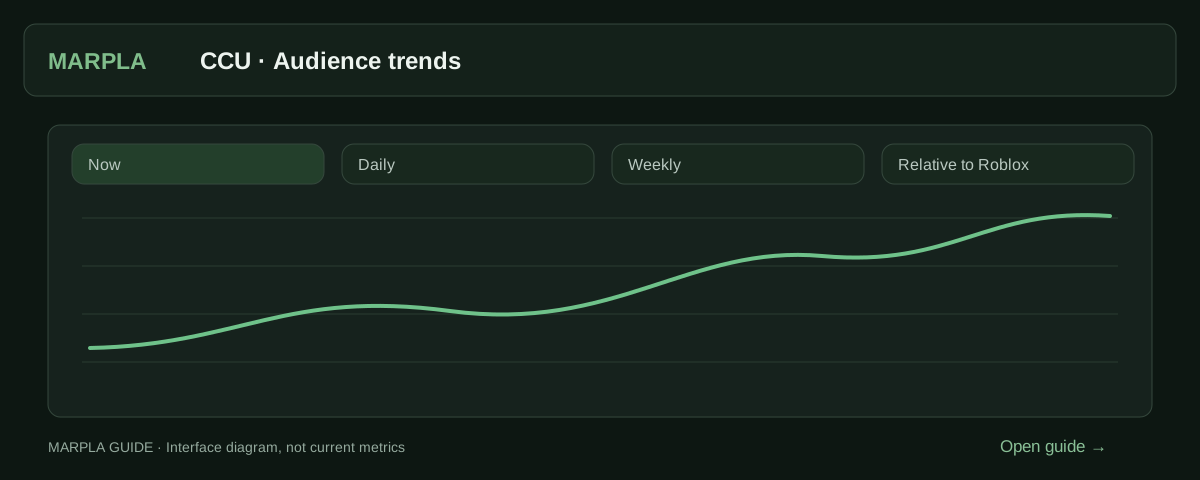
Open a game card and compare CCU over matching periods. Check changes against Roblox-wide concurrency before interpreting a spike as sustained growth.
- Set up a chartThe range sets how much time to show; the interval sets how points are grouped.Step-by-step guide →
- Understand game growthCompare changes in a game's audience with changes in Roblox's overall player count.Step-by-step guide →
Where this deep dive applies
Continue exploring
More on this topic →
CCU, Visits, and growth: what the numbers actually say
Understand Roblox audience metrics without confusing a live snapshot, a lifetime counter, and a measured trend.
Read article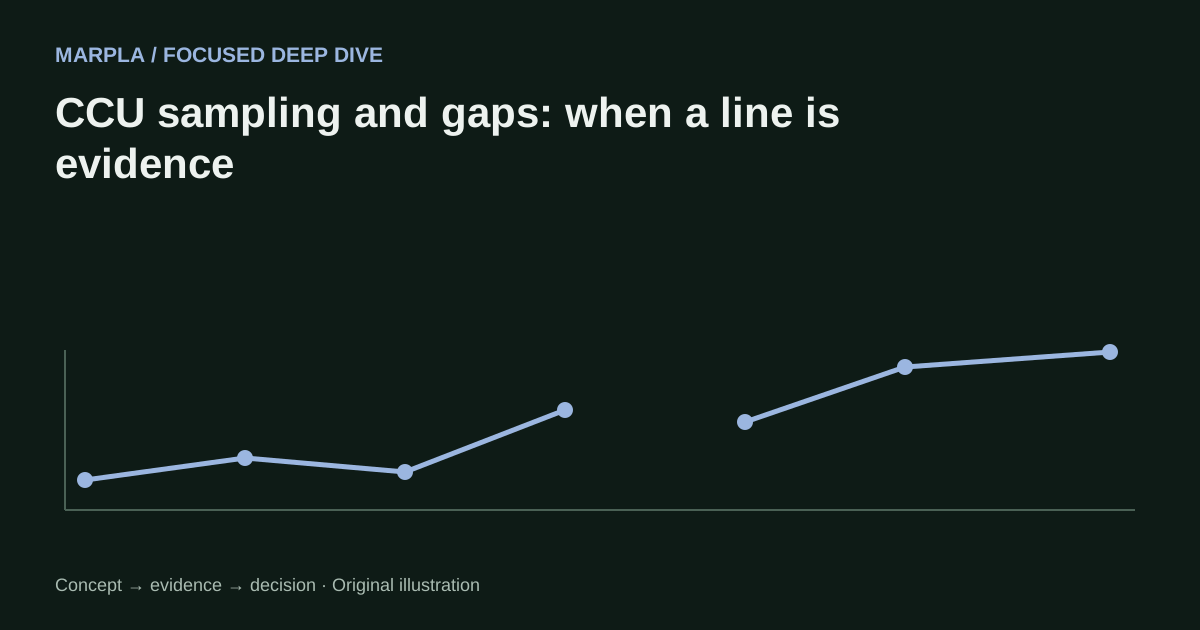
CCU sampling and gaps: when a line is evidence
How to read sampled Roblox CCU history, assess coverage, and avoid manufacturing behavior between missing points.
Read article
Roblox Visits vs players: counters that answer different questions
How cumulative Visits, concurrent users, DAU, and sessions differ and how to combine them without inventing unique players.
Read article
Discussion0
Loading comments…