
Assets
Store, preview and discuss assets in your MARPLA workspace.
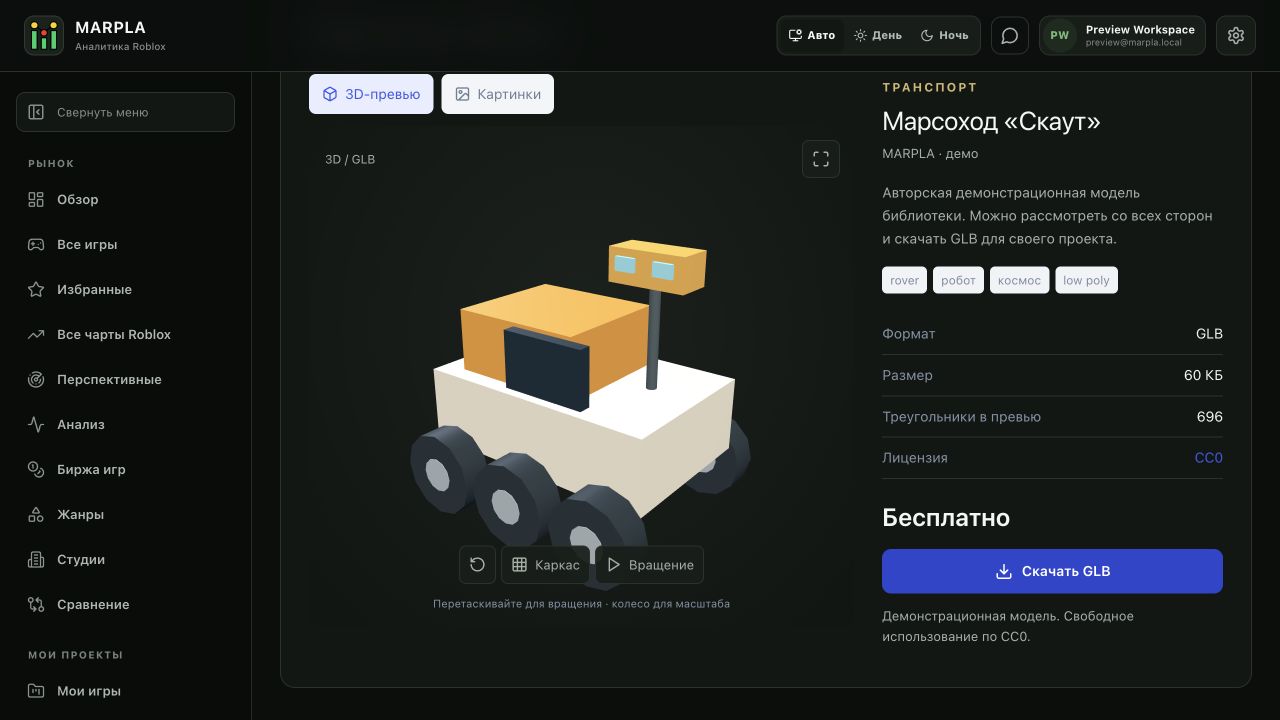
Find and evaluate an asset
Choose one of five types, open the dedicated asset page and review its preview, rating and discussion.
Download and add to a game
Bring a model, music track or ready-made mechanic into a test project and validate it before release.
Upload an asset and configure access
Upload a file, edit its card, set a price and choose recipients.
Useful articles: examples and decisions
The guide covers the steps in the service. These articles explain the metrics, examples, techniques and how to evaluate results.
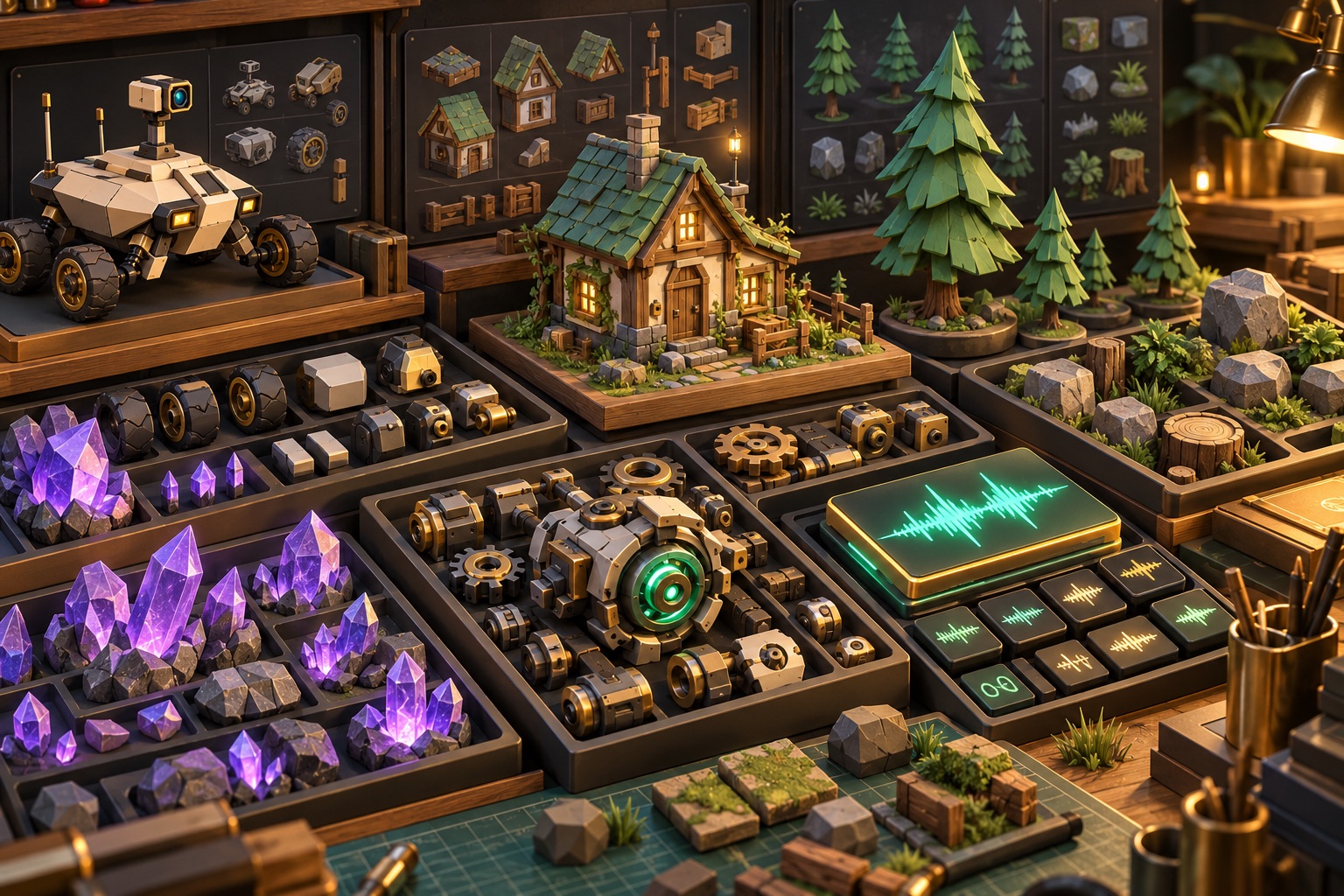
Action essentials and individual concepts (3)
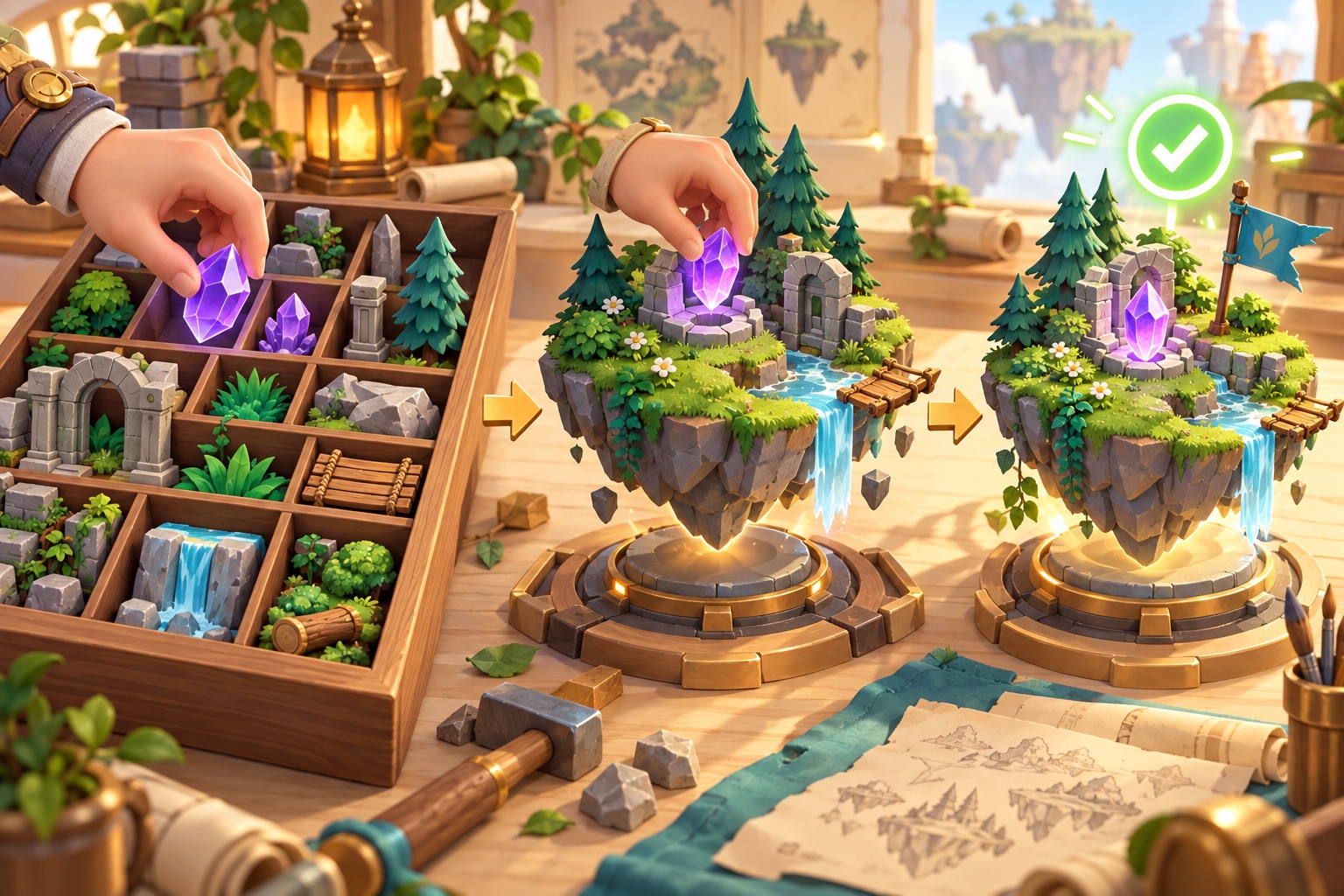


Section diagram
3 images → cover · remove → upload
AssetsSearch · category · format
Cards on first renderTableGLB · ZIP · Roblox · WAVUpload up to 512 MiB
One form: create / edit · × exitMedia left · fields right
Author: me / community13:10 frame · dimmed edges outside
✓ File selected · × remove → saveDownload left · access rightDownload / USD price
Below download: rating % · like / dislike
Cover ← drag into first place · ‹ 1 / 3 ›
No WebGL → 24 angles · drag to turn
Access · people · linkSave → download → test in Studio
Group 1Group 2+ Create group
Illustrative workspace library diagram.